
Tech Tips
-

How to Check Your Windows PC with Microsoft Diagnostic Tools
Windows includes several useful Microsoft diagnostic tools. Learn what each check can reveal, how to run it safely, and when a problem needs professional diagnosis.
-

How to Set Up Automatic Backups and Restore Points in Windows
Automatic file backups and Windows restore points solve different problems. Learn how to configure both and make sure your important files can actually be recovered.
-

What to Do When You Forget a Computer or Online Account Password
Locked out of a Windows computer, email account, or online service? These safe password-recovery steps can help you regain access without creating a bigger security problem.
-
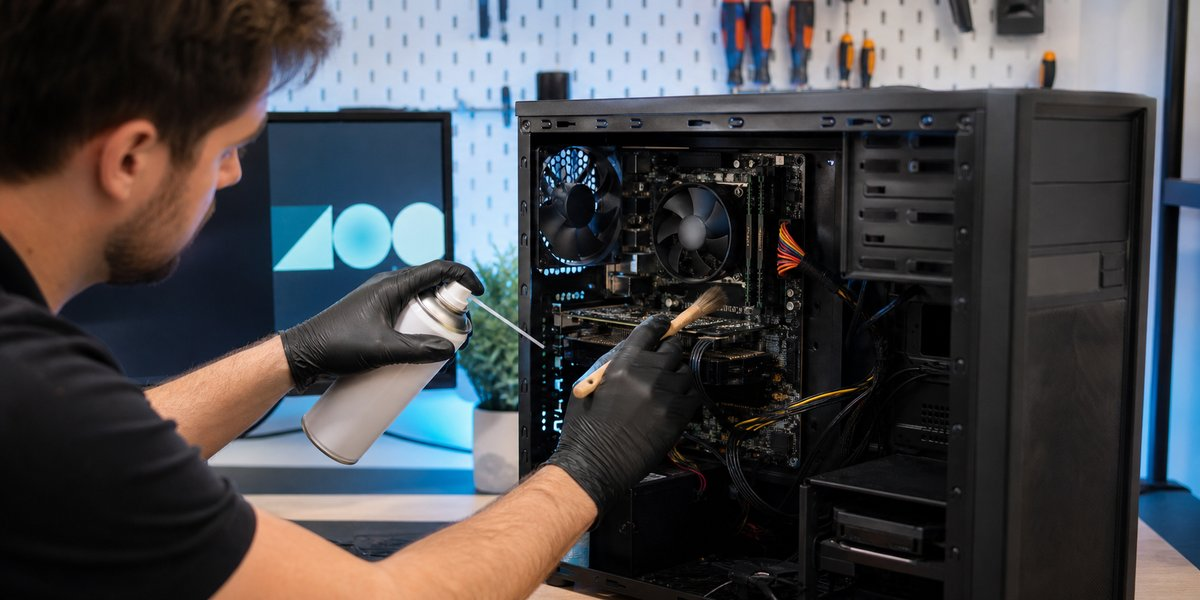
Why Ongoing Computer Maintenance Helps Prevent Crashes
Routine computer maintenance can reduce crashes, slowdowns, overheating, and surprise failures. Learn which preventive steps make the biggest difference.
-

Call Before Computer Frustration Turns Into a Bigger Problem
Small computer problems often become bigger ones when ignored. Learn when to stop guessing and call for friendly computer help before frustration takes over.
-
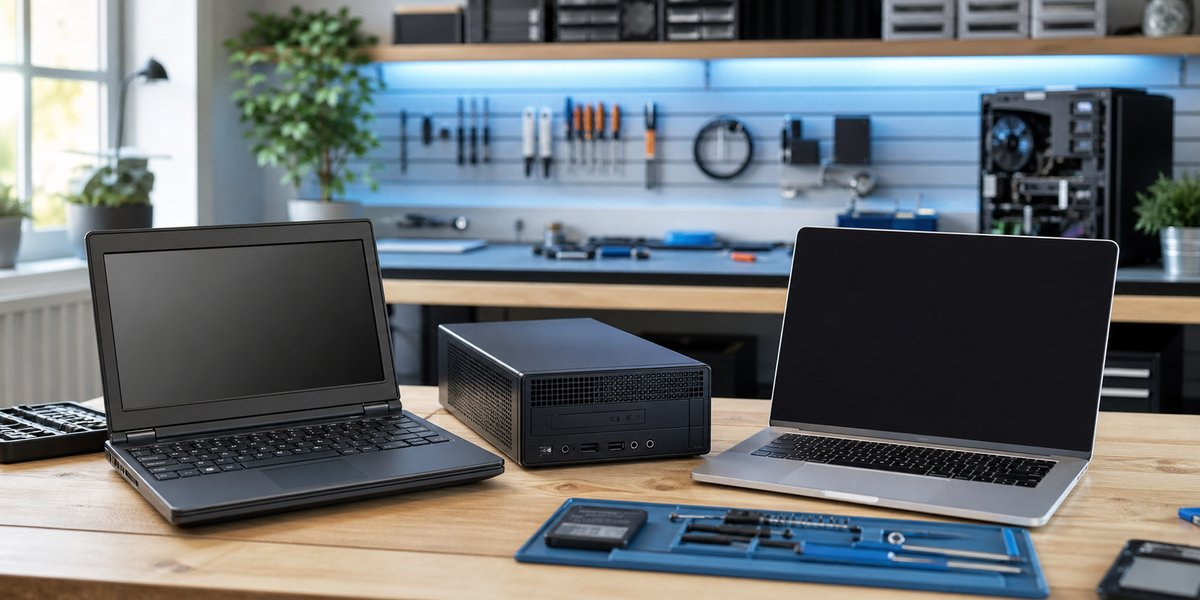
Should You Buy a Refurbished Computer Instead of a New One?
A refurbished computer can offer better value than a new one when the seller, condition, and specifications are right. Learn what to check before buying.
-
What to Do If Your Email Account Gets Hacked
A compromised email account can affect many other logins. Regain control, review settings, and protect connected accounts quickly.
-
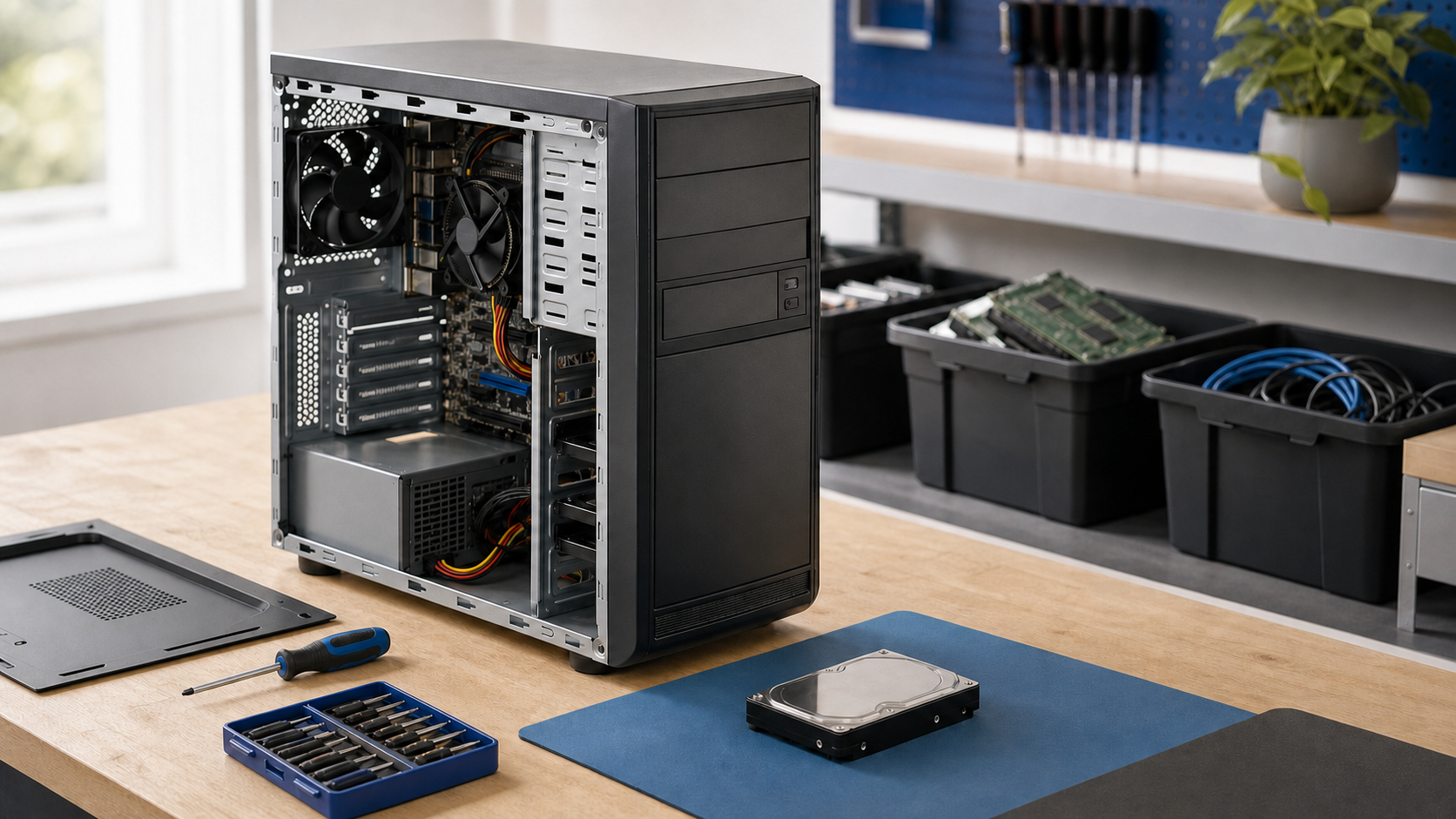
How to Safely Dispose of an Old Computer
Deleting a few files is not enough before donating or recycling a computer. Protect your data first.
-
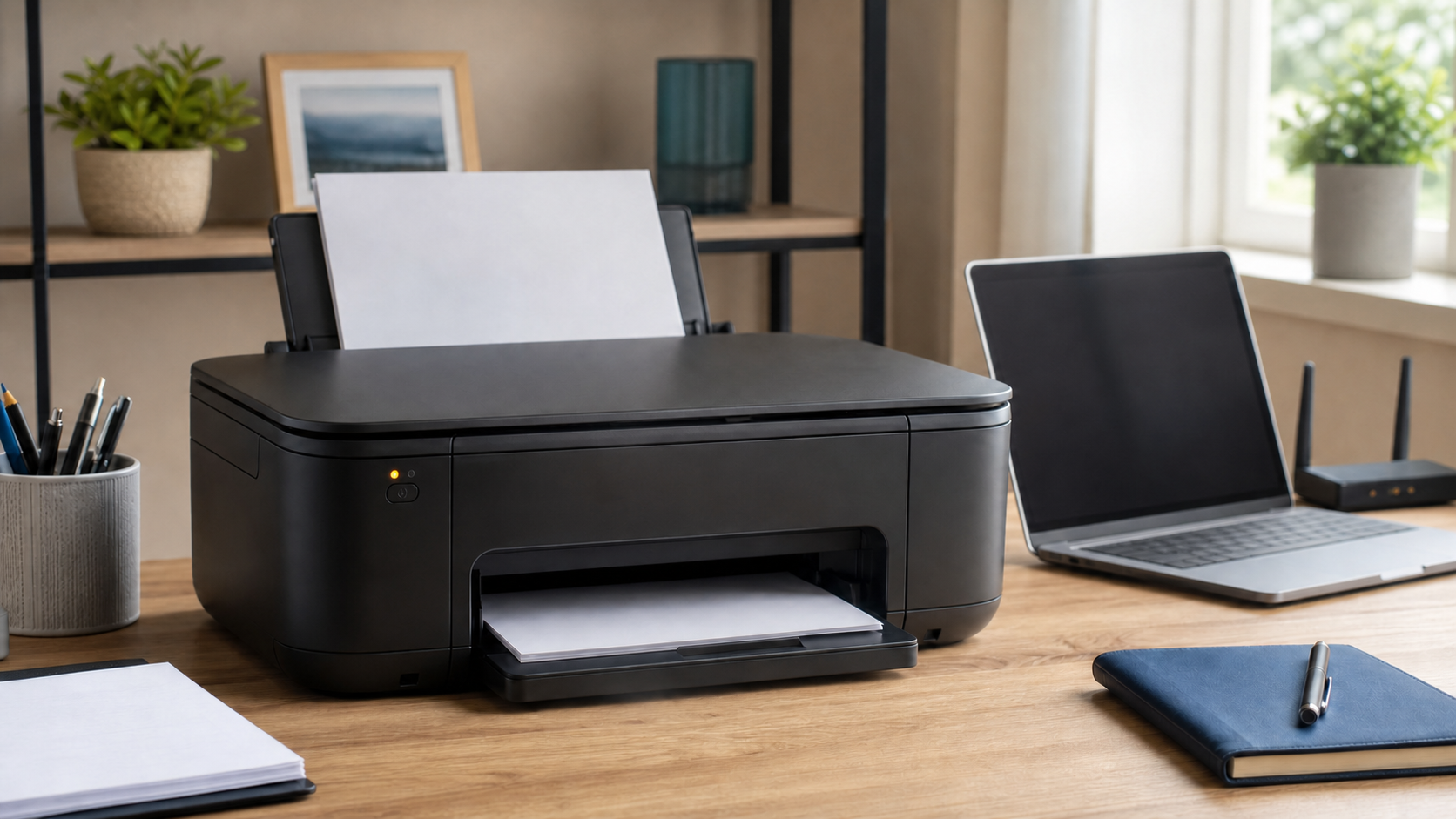
Why Does My Printer Say Offline?
An offline printer is often caused by a lost connection, a stuck print job, or the wrong printer being selected.
-
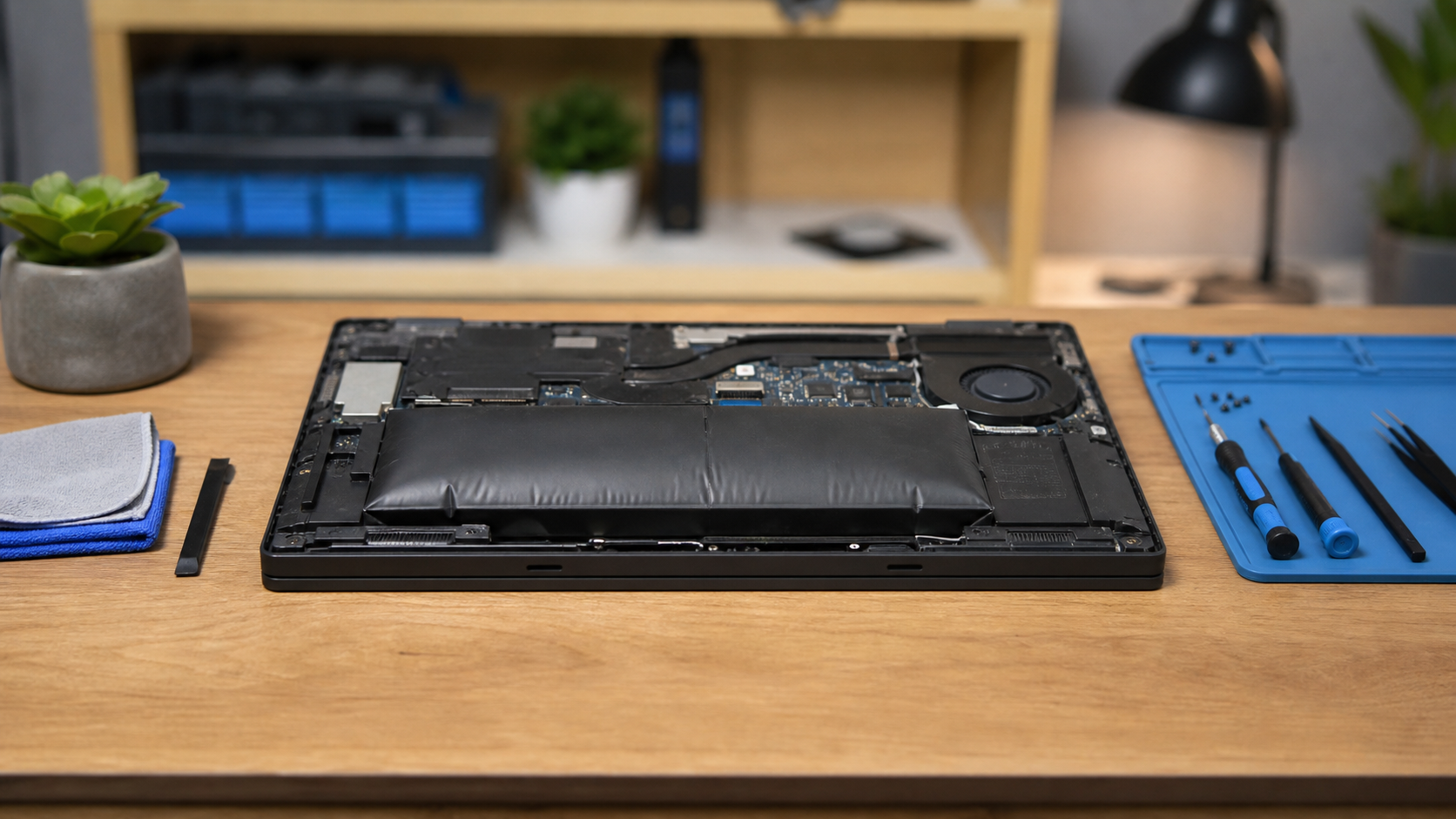
Warning Signs of a Swollen Laptop Battery
A lifting trackpad, separated case, or rocking laptop may point to a swollen battery that needs prompt attention.
-
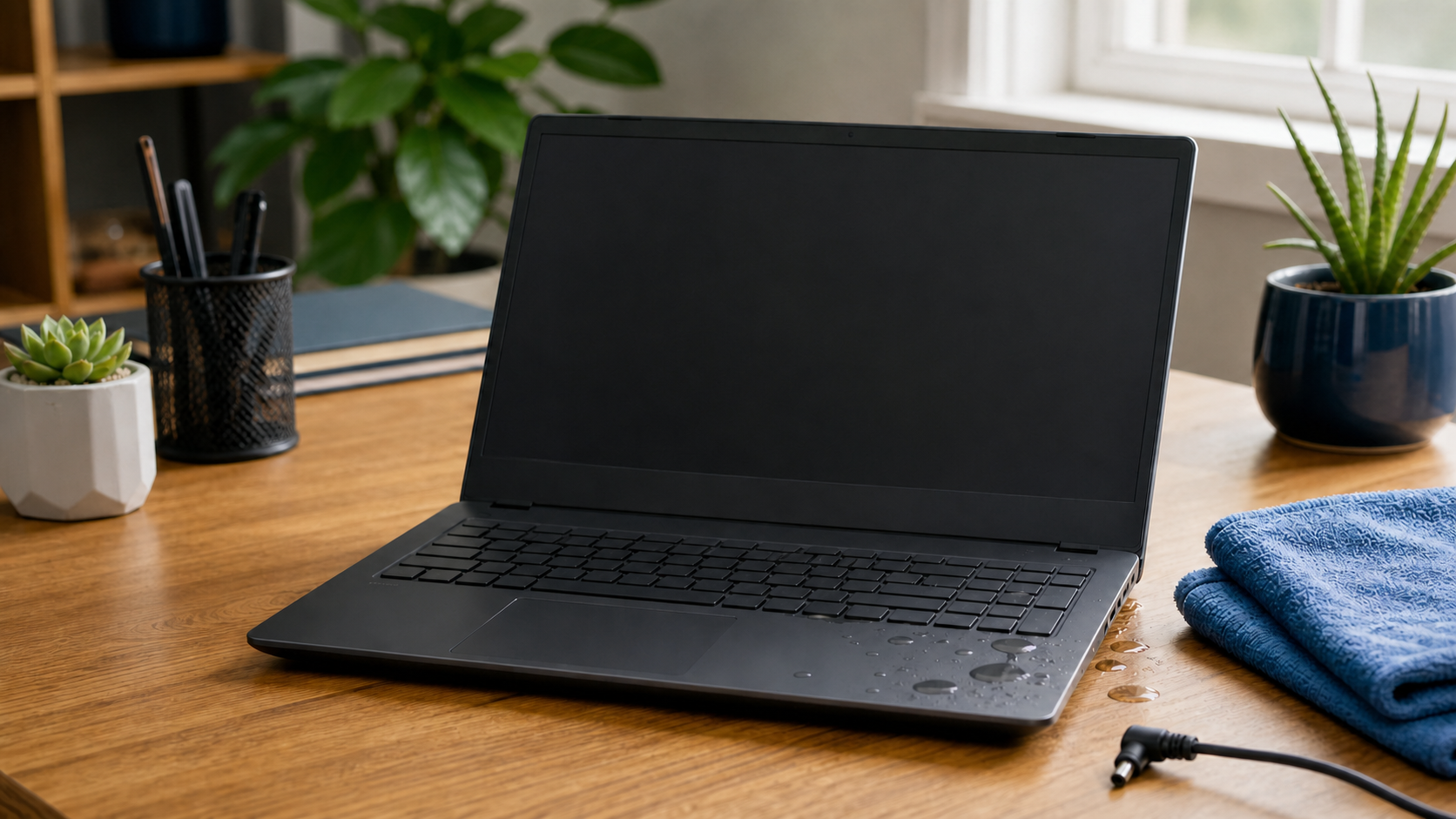
What to Do If You Spill Liquid on Your Laptop
Fast, careful action after a laptop spill can reduce damage. Here is what to unplug, avoid, and do next.
-
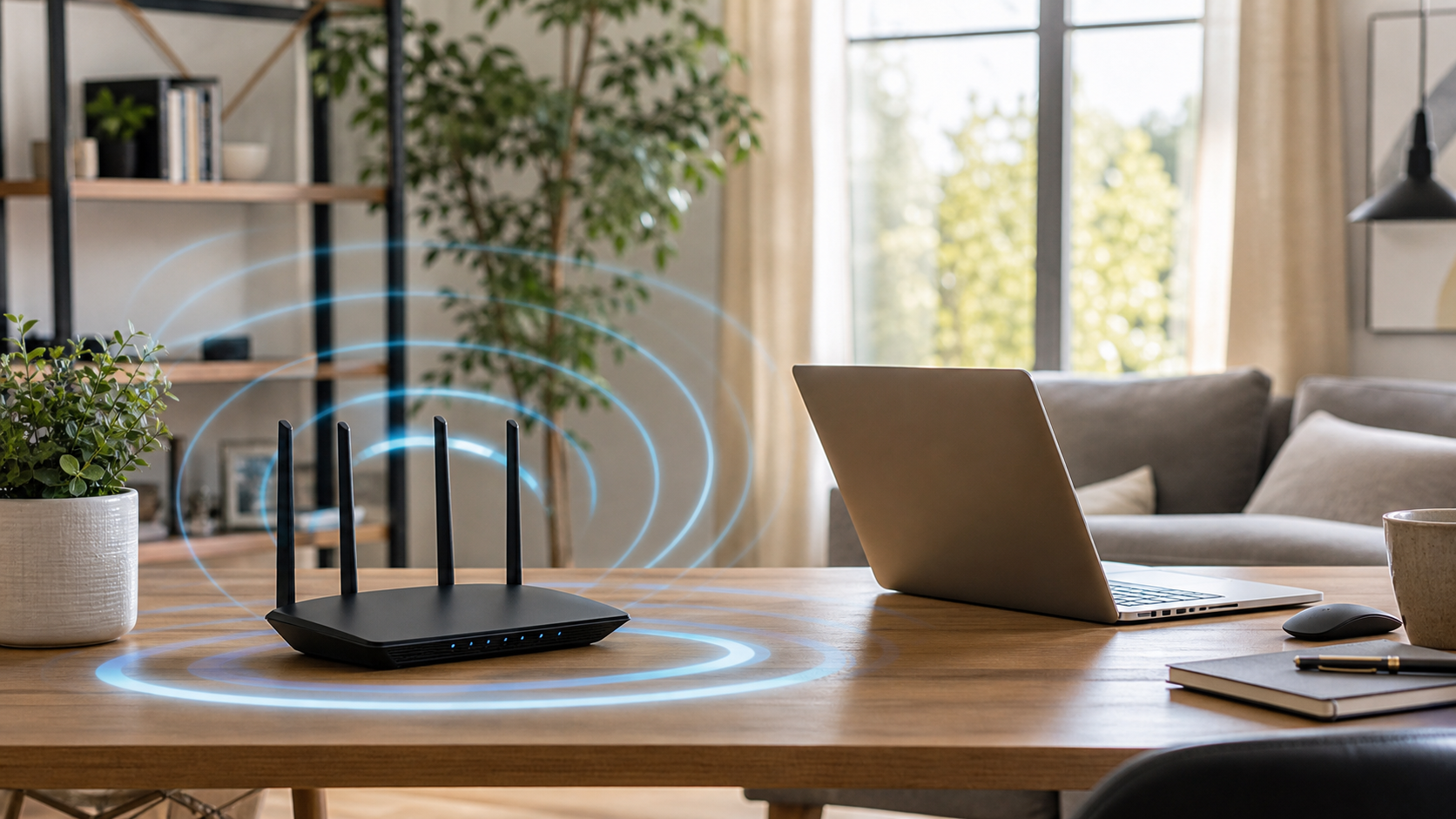
How to Make Your Home Wi-Fi More Reliable
Slow or unreliable Wi-Fi is often caused by router placement, interference, old equipment, or a weak signal reaching part of the home. Place the router in an open area Keep it off the floor and away from closed cabinets. A central, elevated location usually gives the signal a better path through the home. Reduce nearby…
-
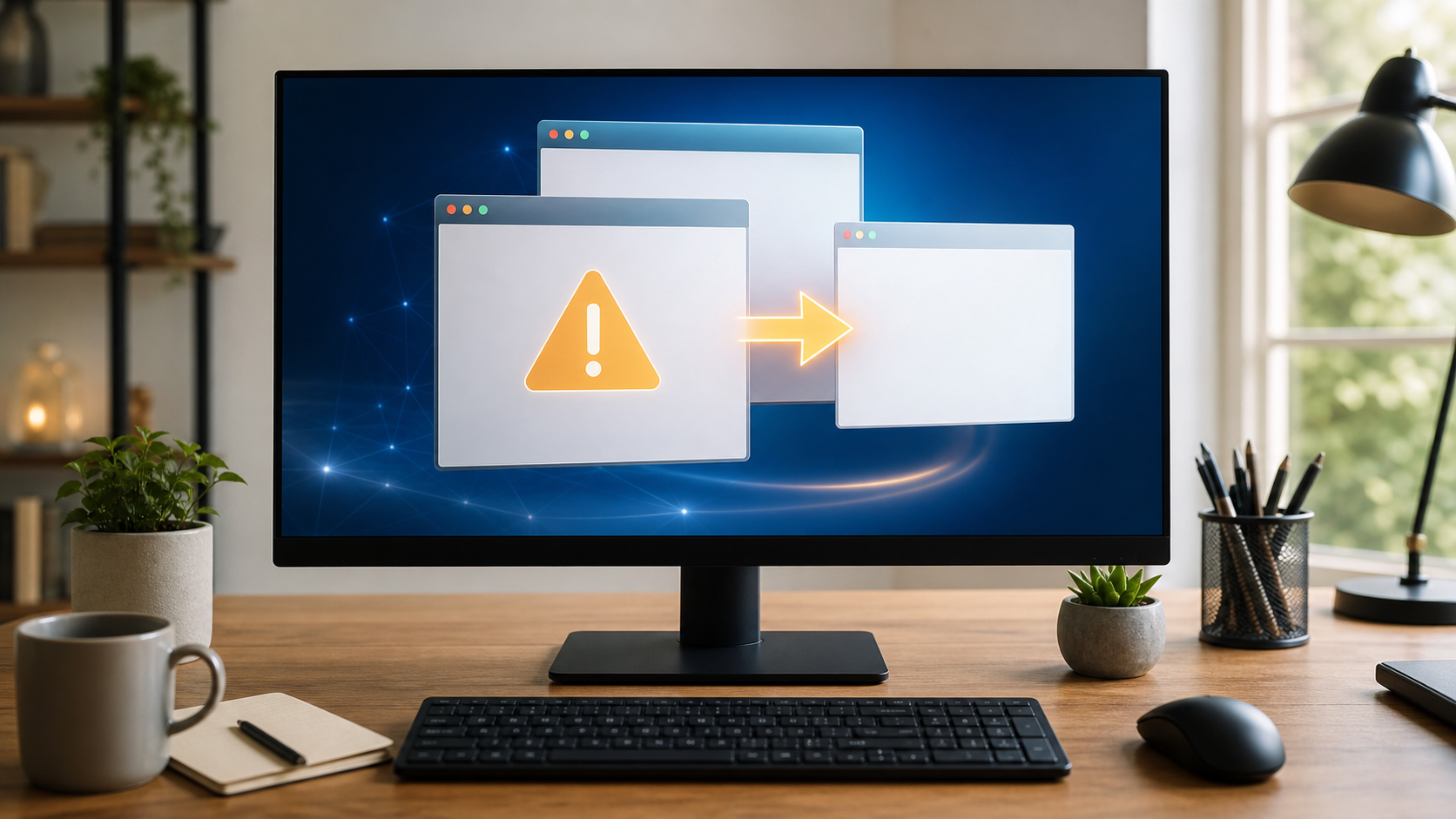
Why Does My Browser Keep Redirecting Me?
If your browser opens unfamiliar pages, changes your search results, or sends you somewhere you did not choose, do not ignore it. Check browser extensions An unwanted extension can change search settings or inject advertisements. Remove extensions you do not recognize or no longer use. Review your default search and home page Unexpected changes may…
-
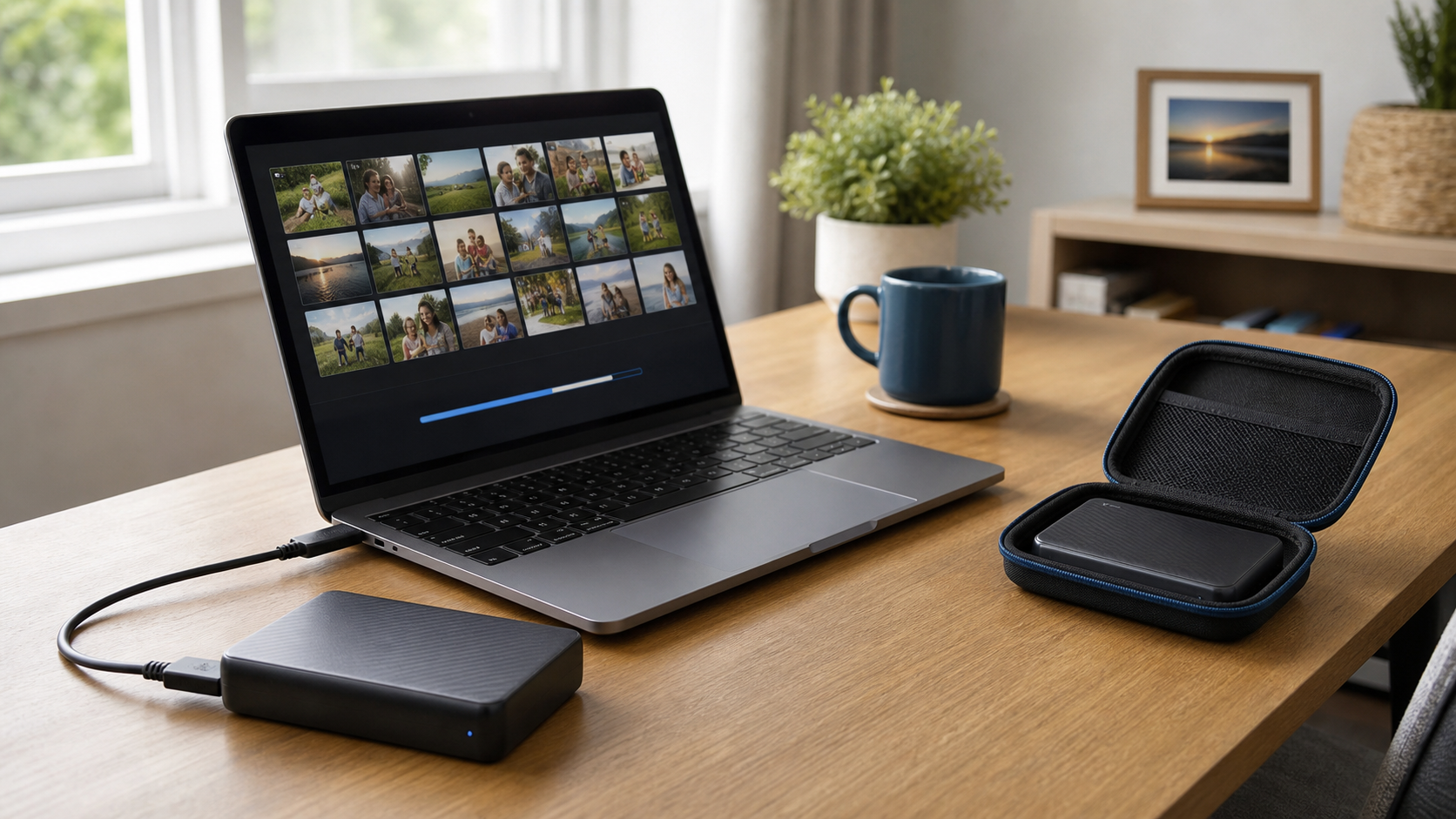
How Often Should You Back Up Important Files?
A backup is a second copy of files you would not want to lose. The right schedule depends on how often those files change. Back up active files frequently If you work on business documents, bookkeeping, schoolwork, or family photos every day, an automatic daily backup is a good goal. Use more than one backup…
-
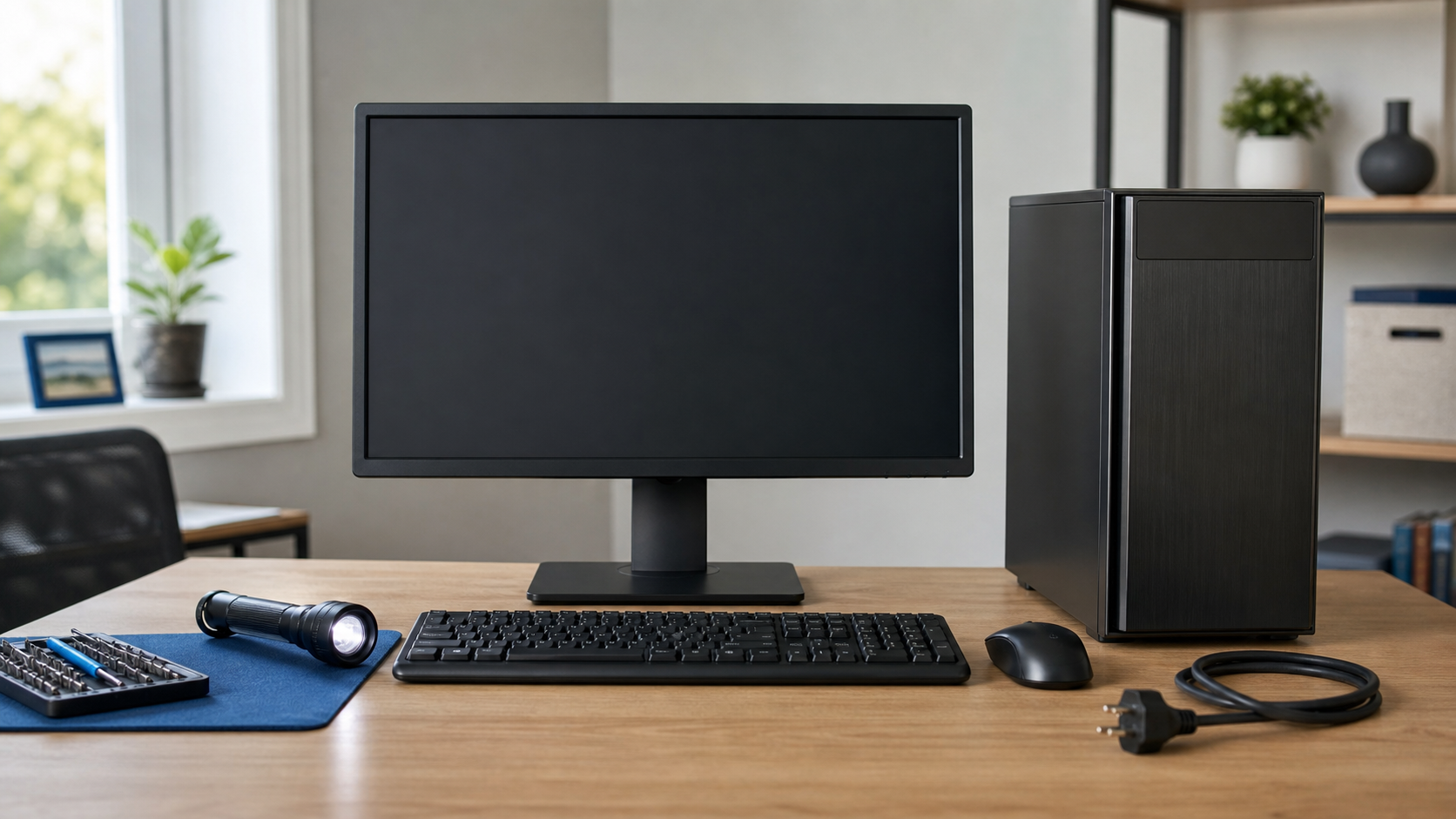
What to Do When Your Computer Won’t Turn On
A computer that will not start can have a simple power issue or a problem that needs repair. A few careful checks can help narrow it down. Check the power connection Make sure the cable is firmly connected at the computer and wall outlet. For a desktop, verify the power strip is on. For a…
-
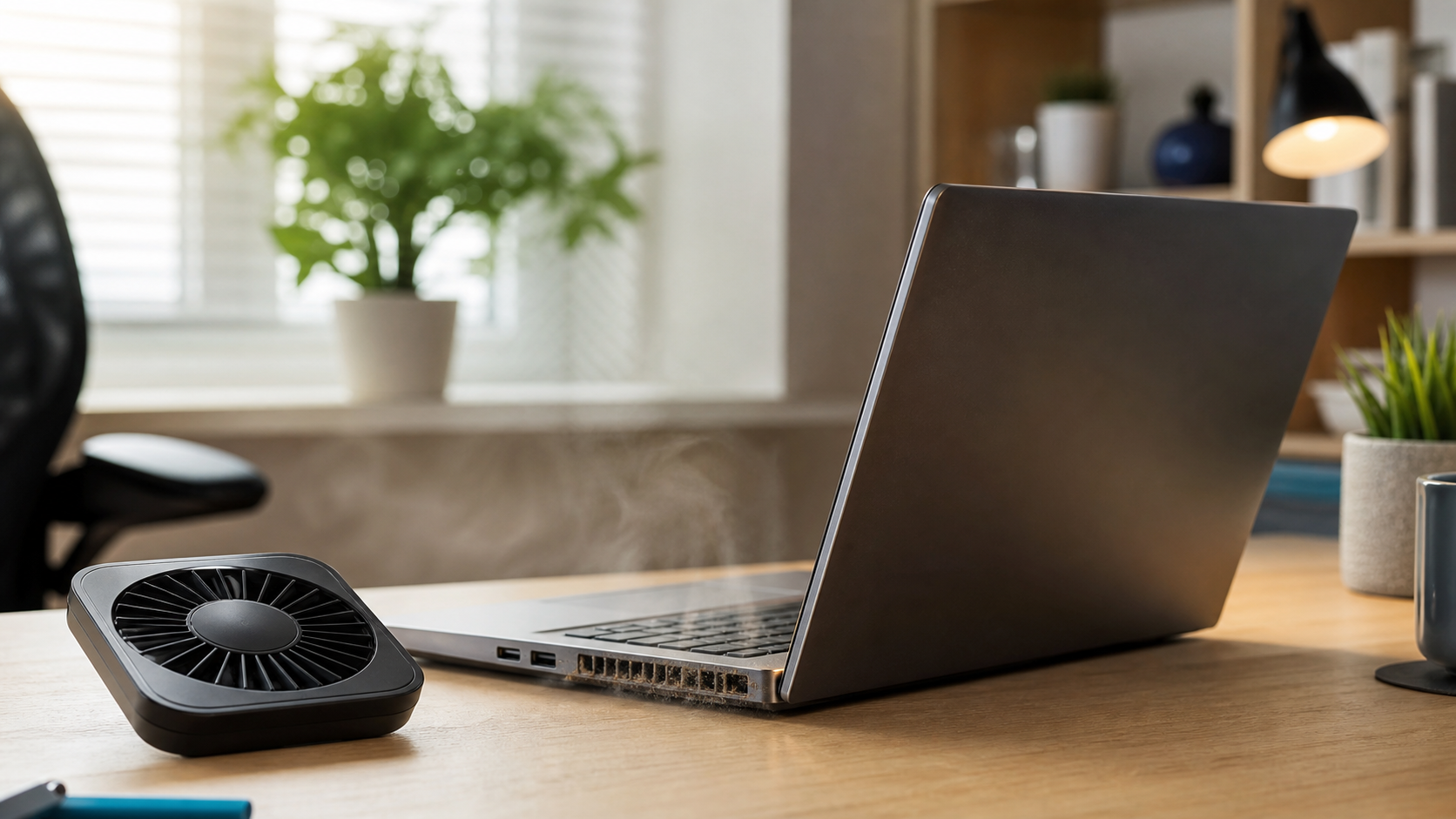
How to Keep Your Laptop From Overheating
A warm laptop is normal. A laptop that becomes painfully hot, slows down, shuts off, or runs its fan constantly may need attention. Use it on a hard, flat surface Beds, couches, blankets, and laps can block the vents underneath a laptop. A desk, table, or lap desk gives air room to move. Keep the…
-
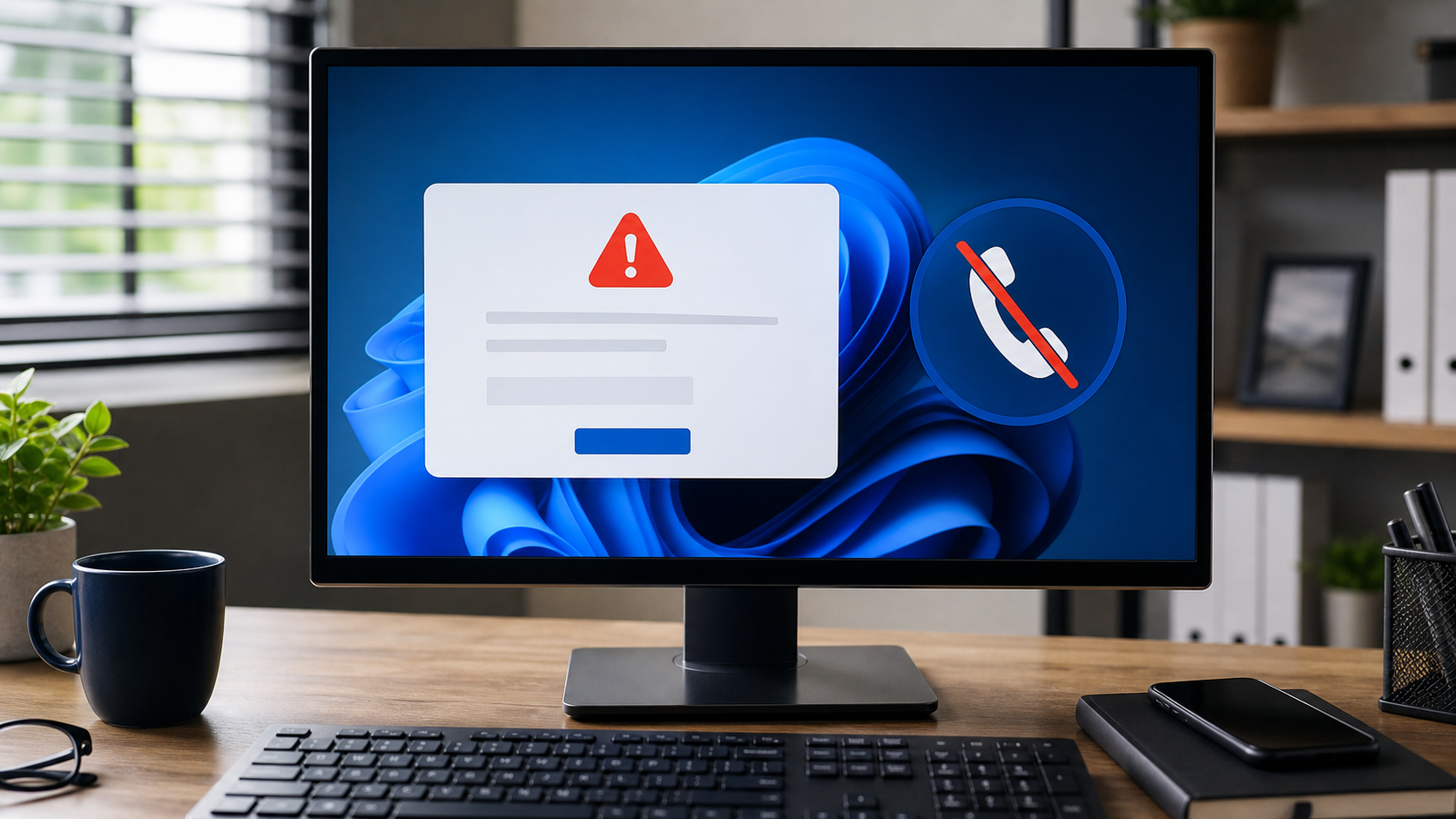
Warning Signs of a Tech Support Scam
Tech support scams often rely on fear, urgent pop-ups, remote access requests, and pressure to pay quickly.
-
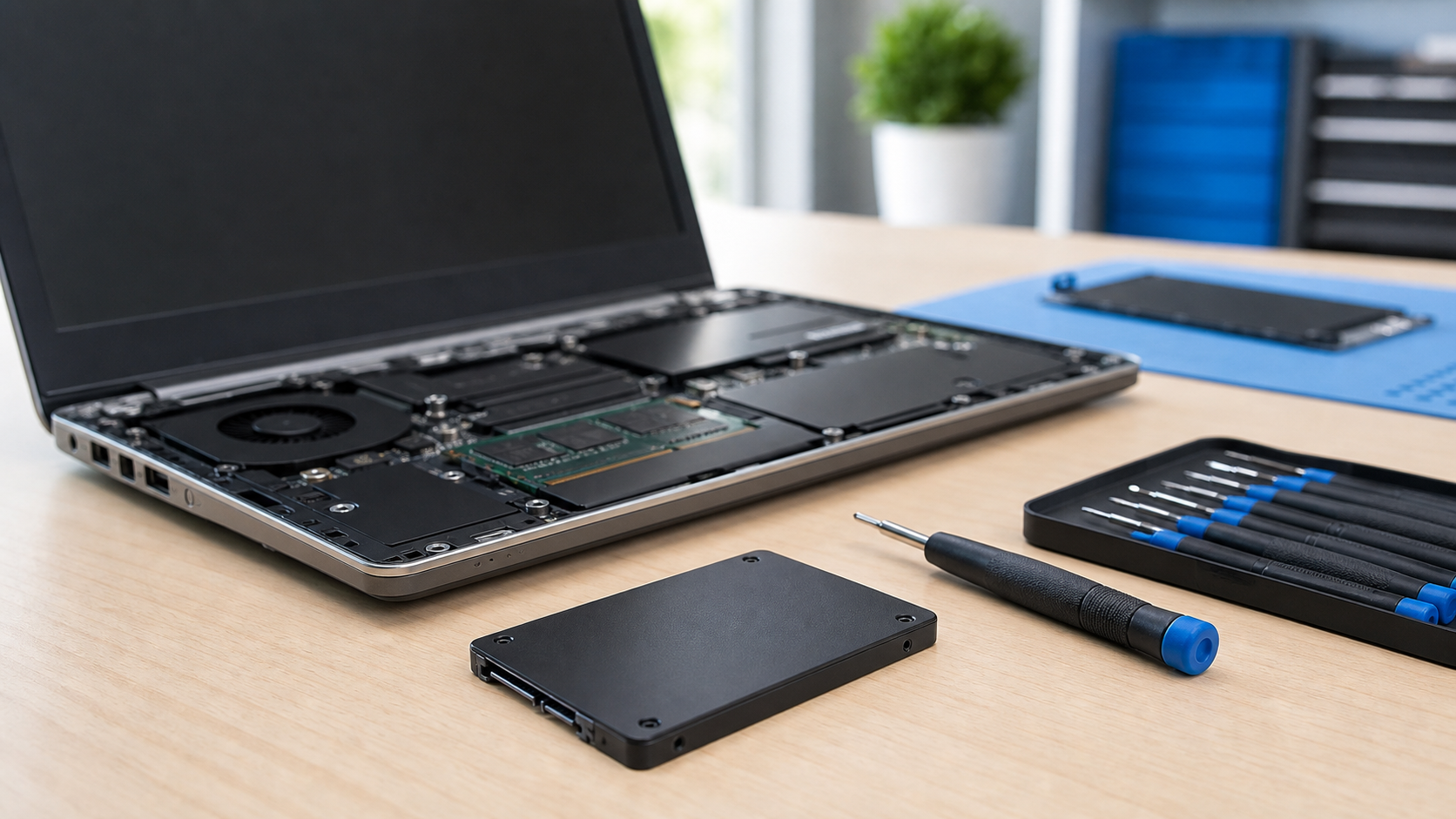
Is an SSD Upgrade Worth It?
An SSD upgrade can often make an older computer start faster, open programs sooner, and feel more responsive.
-
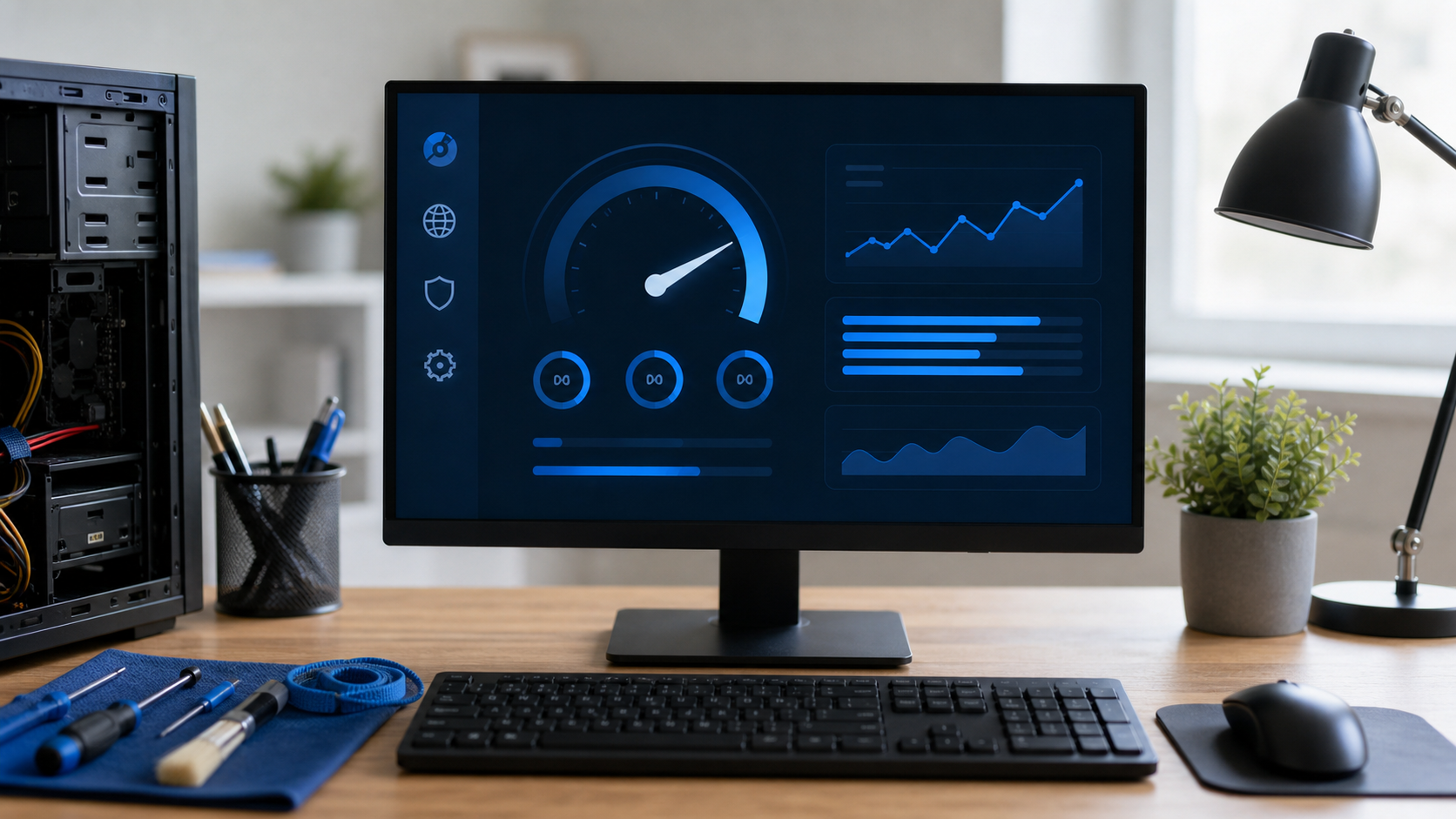
5 Signs Your Computer Needs a Tune-Up
Slow startup, freezing, browser problems, and ignored updates can all be signs your computer needs attention.
-

Why a Computer Care Plan Can Be Worth It
A computer care plan can make support more predictable and help catch small issues before they become bigger problems.
