
Tech Tips
-
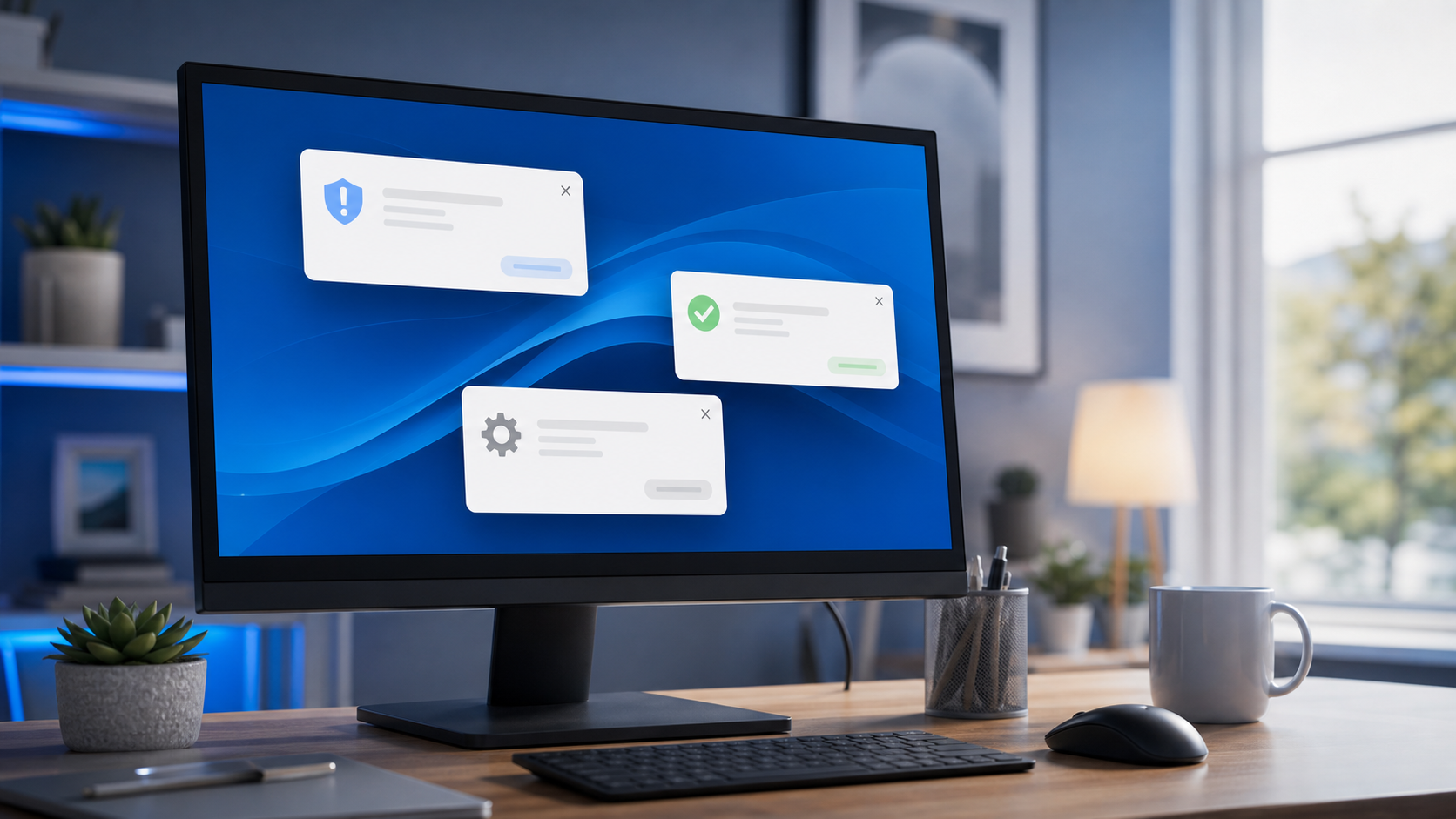
Are Pop-Up Notifications Dangerous?
Pop-up notifications can be harmless, but they can also be a sign of unwanted software, browser junk, or a scam attempt.
-
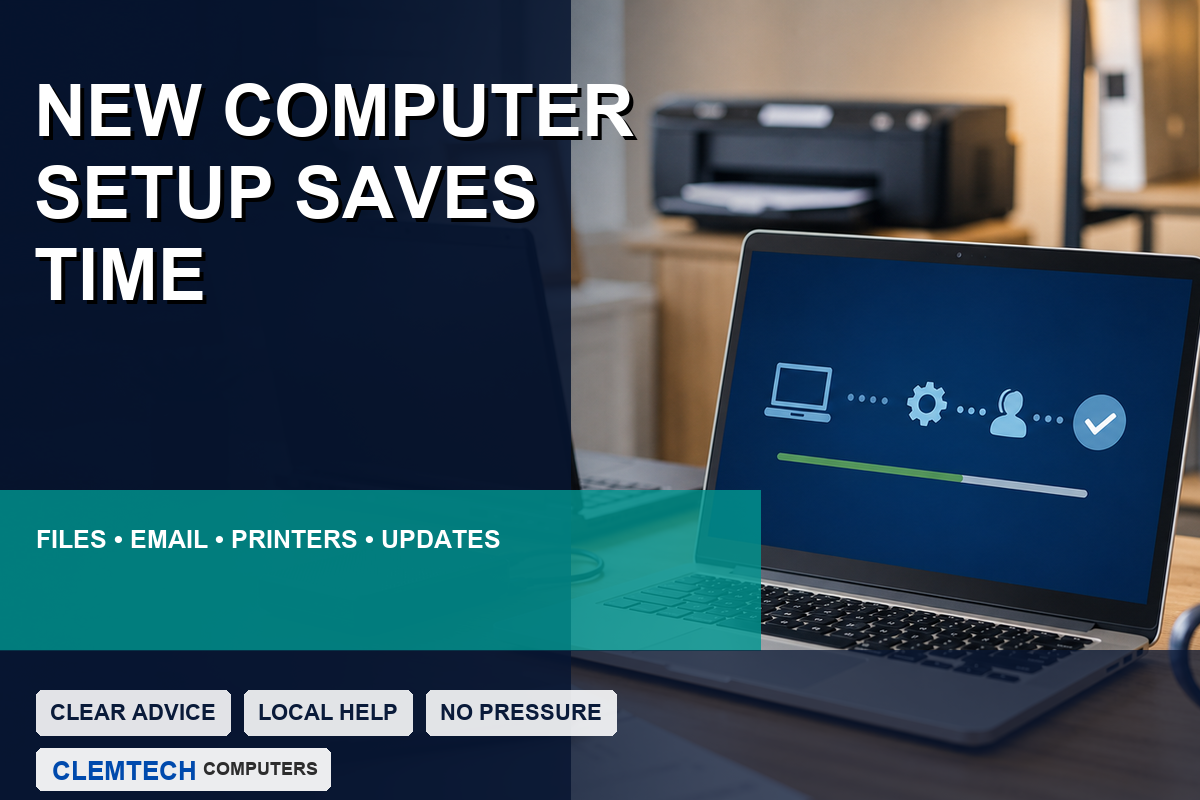
Why Professional New Computer Setup Can Save You Time
Professional new computer setup can save time by handling updates, file transfer, email, printers, software, security settings, and cleanup.
-
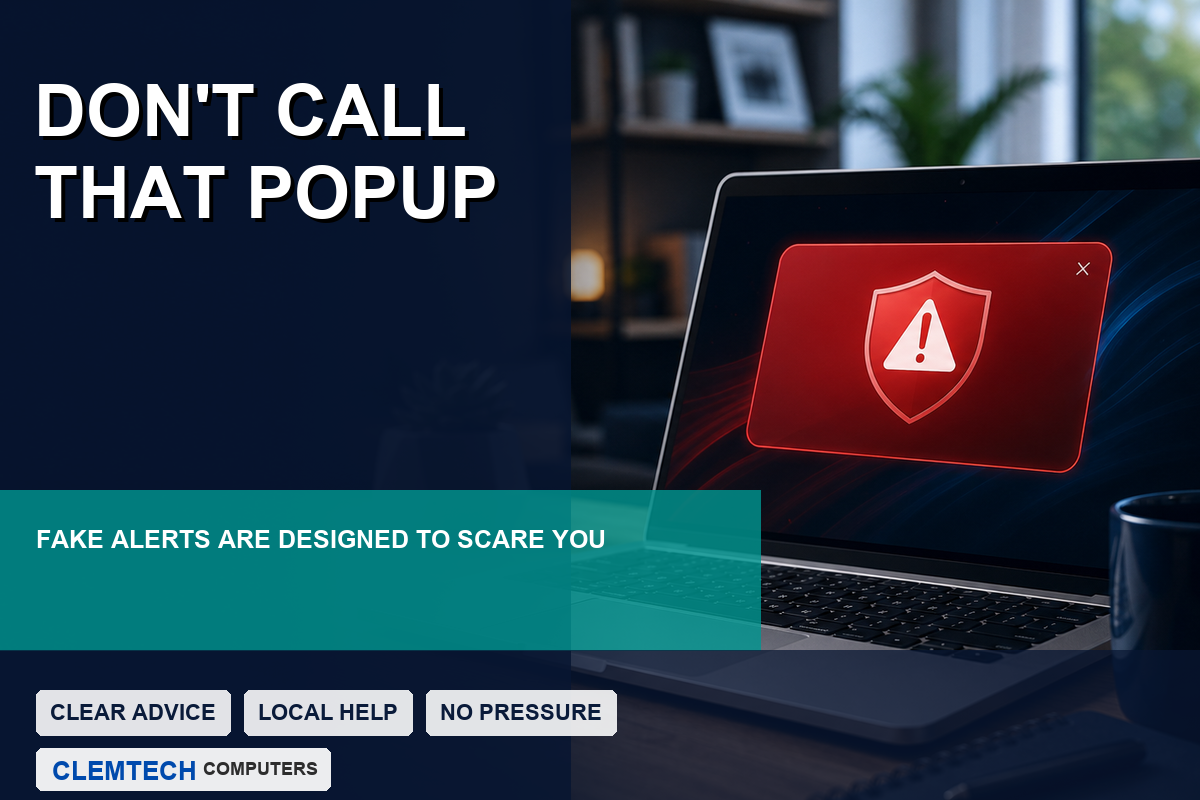
Do You Really Need to Call the Number on That Popup?
A scary popup that tells you to call Microsoft is usually a scam. Learn what to do instead and when to ask for trusted local help.
-
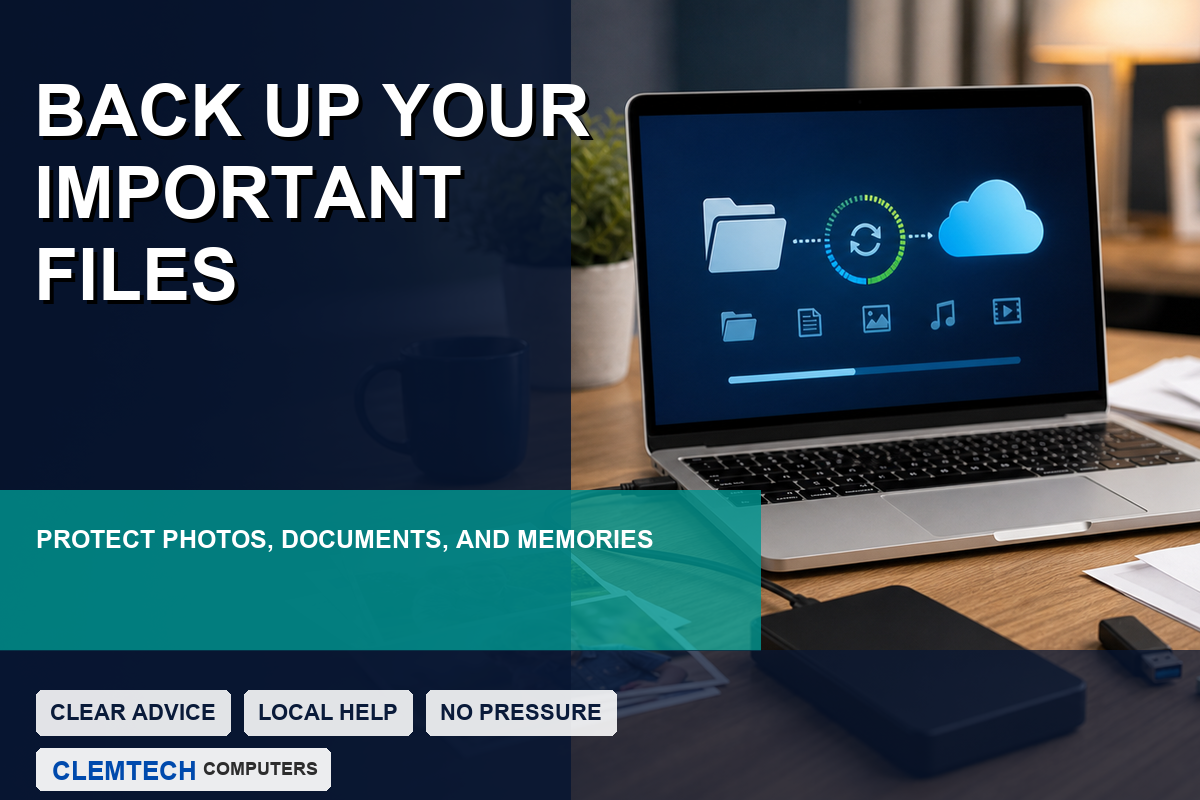
Why Backing Up Your Important Files Matters
A reliable backup can protect photos, documents, business files, and personal information from drive failure, theft, accidents, and malware.
-
Why Is My Computer Getting Slower Over Time?
Computers slow down for many reasons, including startup programs, storage problems, outdated software, malware, and aging hardware.
-
Should You Repair or Replace Your Computer?
A slow or malfunctioning computer may not need to be replaced. Learn when repair, upgrades, or replacement make the most sense.
-
Why On-Site Computer Help Can Be More Convenient
On-site computer help can save time, reduce stress, and let the technician see the full setup, including printers, Wi-Fi, cables, and connected devices.
-
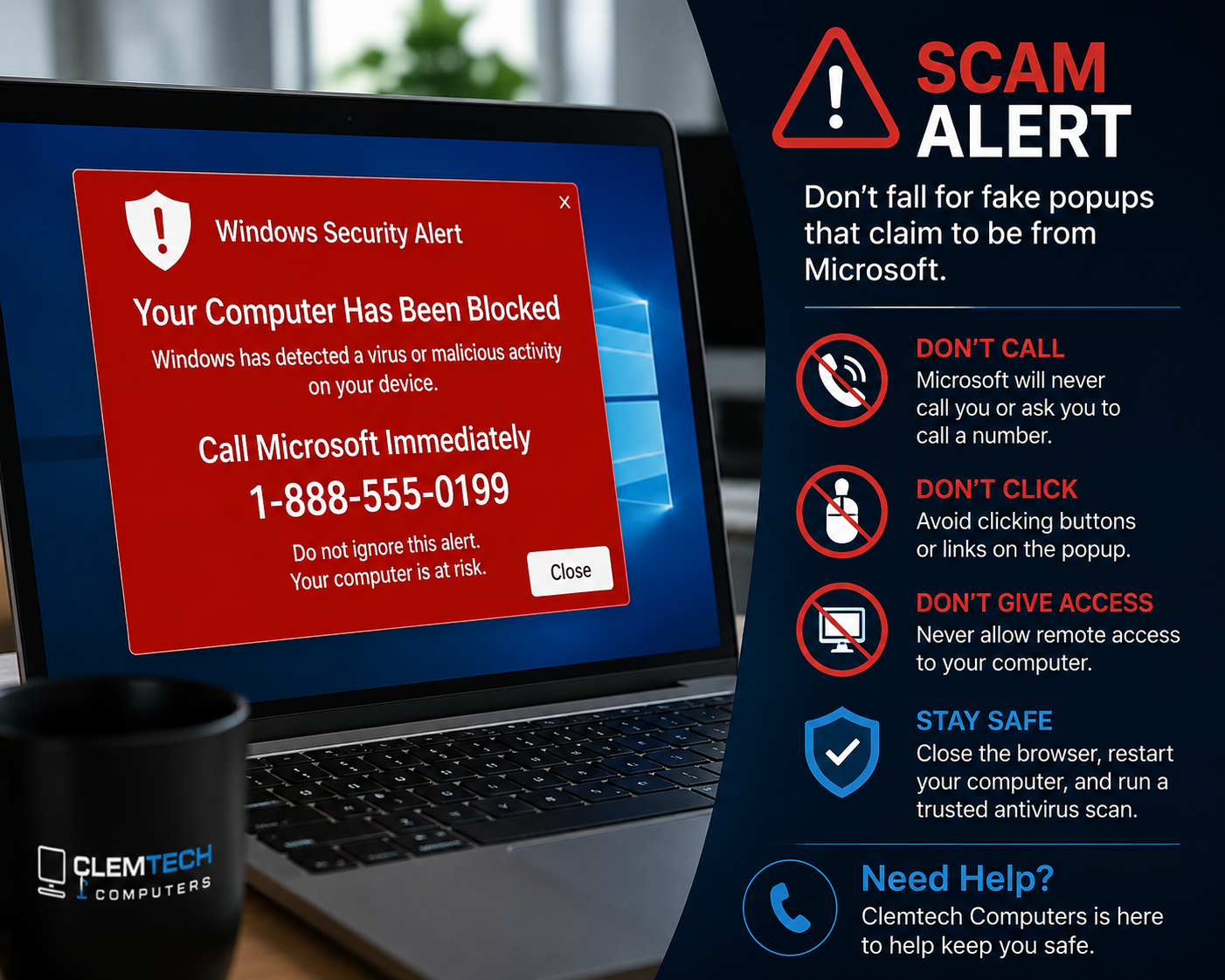
Do Not Fall for the “Call Microsoft” Scam Popup
Learn how to recognize a fake Microsoft support popup, safely close it, and protect your computer, accounts, and money from tech support scammers.
-
Do Not Ignore Software Updates
Software updates help fix security holes, improve performance, and keep business computers running safely.
-

Simple Ways to Improve Slow Wi-Fi
Improve slow Wi-Fi with better router placement, fewer signal blockers, updates, and basic network checks.
-
Back Up Your Files Before You Need Them
Protect business files from computer crashes, accidental deletion, and ransomware with a simple backup plan.
-
Why Your Business Needs a Password Manager
A password manager helps your business create stronger passwords, reduce login problems, and improve cybersecurity.
-
Stop Phishing Emails Before They Cost You
Learn how to spot phishing emails, fake links, and suspicious attachments before they put your business data at risk.
