
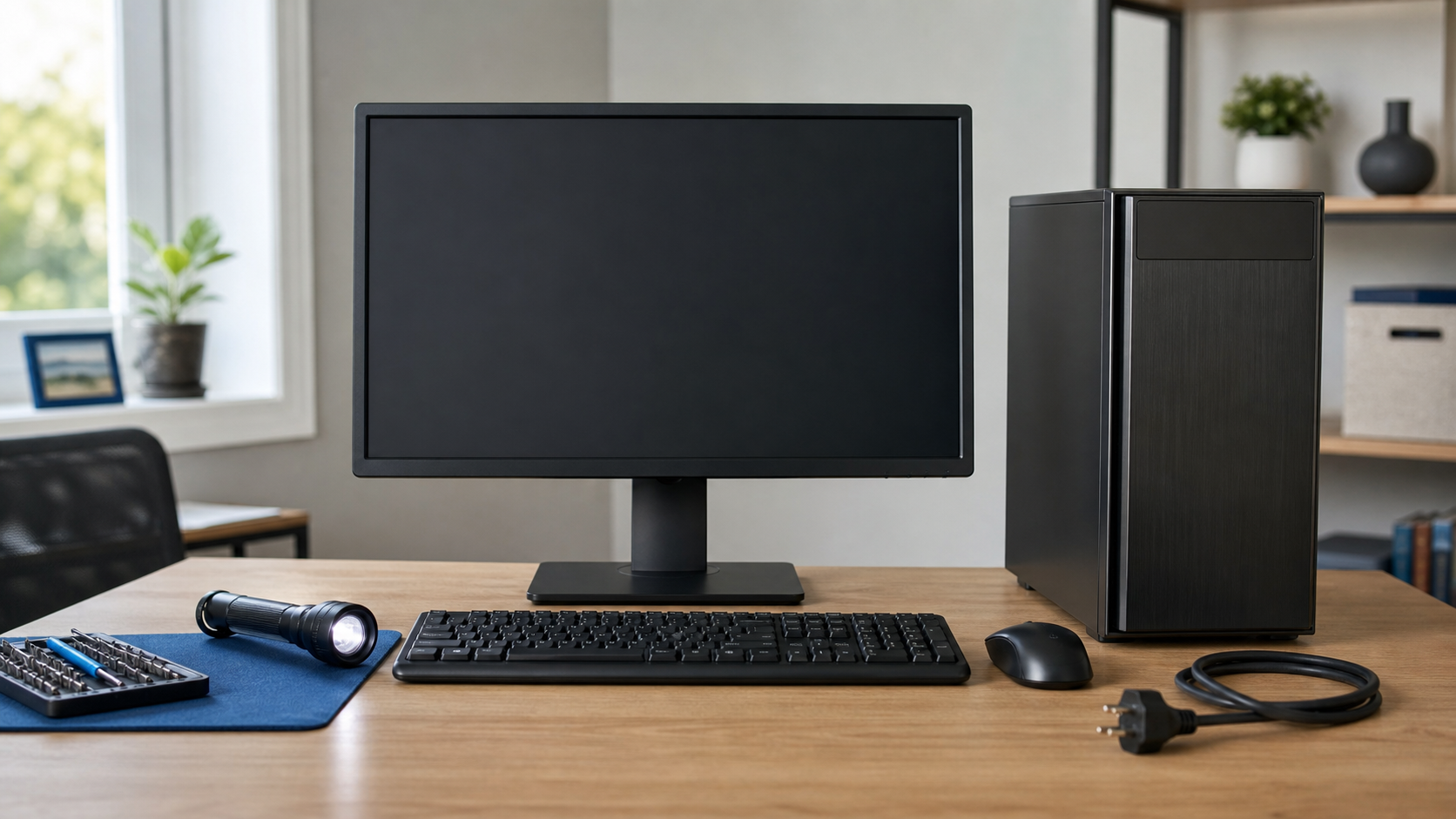
A computer that will not start can have a simple power issue or a problem that needs repair. A few careful checks can help narrow it down.
Check the power connection
Make sure the cable is firmly connected at the computer and wall outlet. For a desktop, verify the power strip is on. For a laptop, try another known-working outlet.
Look and listen
Notice whether you see any lights, hear fans, or hear beeps. A completely silent computer is different from one that powers on but shows a black screen.
Disconnect extra devices
Unplug printers, external drives, USB devices, and accessories, then try starting the computer again. A faulty device can sometimes interfere with startup.
Do not keep forcing it
If you smell something unusual, hear clicking, or the computer repeatedly starts and stops, unplug it. Repeated attempts can make some hardware problems worse.
Clemtech Computers can test the power supply, battery, charging system, memory, and other startup components. If your computer still will not turn on, contact Clemtech Computers for calm, local help.
