
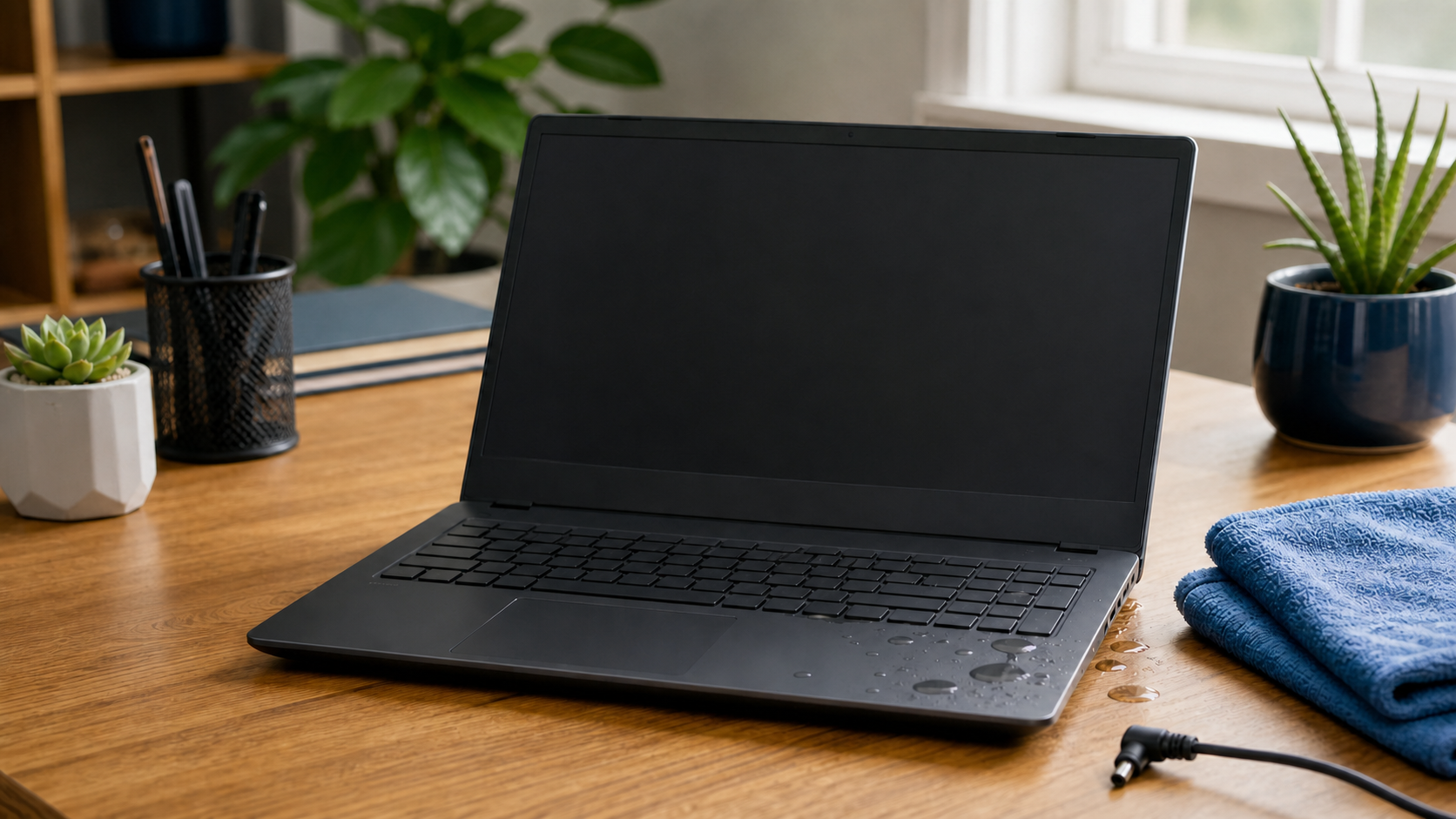
Spilling water, coffee, or another drink on a laptop is stressful, but the first few minutes matter. The goal is to stop electricity from moving through wet components and avoid pushing the liquid farther inside.
Turn it off and disconnect power
Shut the laptop down immediately. If it will not respond, hold the power button until it turns off. Unplug the charger and remove any connected USB devices. If the battery is removable without tools, take it out. Do not keep clicking, typing, or checking whether the computer still works.
Blot the outside gently
Use a clean, absorbent towel to blot visible liquid. Do not shake the laptop, use a hair dryer, place it in rice, or aim compressed air into the keyboard. Heat can damage plastic and adhesives, while forced air may move moisture deeper into the computer.
Do not turn it back on too soon
A laptop can appear dry on the outside while moisture remains under the keyboard or on the main circuit board. Powering it on can cause a short circuit and make repair more difficult. Sugary drinks are especially troublesome because sticky residue remains after the liquid evaporates.
Protect important files
If the laptop contains files that are not backed up, mention that before anyone attempts repeated startup tests. The storage drive may still be recoverable even when other components have been damaged. Read why backing up important files matters before the next accident happens.
Get it inspected promptly
Internal cleaning and careful testing can reduce corrosion and reveal which parts were affected. If you have spilled liquid on a laptop, contact Clemtech Computers before turning it back on. Tell Matt what was spilled, how much, and whether the computer was running at the time.
