
Most computer crashes do not come completely out of nowhere. Warning signs often build slowly: updates fall behind, storage fills up, dust restricts cooling, unwanted programs accumulate, or a drive begins reporting errors. Routine maintenance helps catch those problems before they interrupt your work or put important files at risk.
Maintenance cannot guarantee that a computer will never fail, but it can reduce preventable problems and give you more warning when hardware is beginning to wear out.
Updates Close Problems Before They Grow
Windows, browsers, security tools, and everyday programs receive updates for good reasons. Updates fix bugs, improve compatibility, and close security weaknesses. A computer that misses months of updates is more likely to experience software conflicts or become vulnerable to threats.
Good maintenance includes checking that updates are installing successfully rather than assuming the computer handled everything automatically.
Free Storage Helps Windows Work Properly
Windows needs room for temporary files, updates, and normal background work. When a drive becomes nearly full, the computer may slow down, updates may fail, and programs can behave unpredictably.
Regularly removing unnecessary temporary files and reviewing large folders helps, but important personal files should never be deleted just to make space. If storage stays tight, an SSD upgrade or larger drive may be the better solution.
Cooling Maintenance Prevents Heat-Related Trouble
Dust on vents, fans, and heat sinks makes it harder for a computer to stay cool. Excessive heat can cause slow performance, sudden shutdowns, loud fans, and shorter component life.
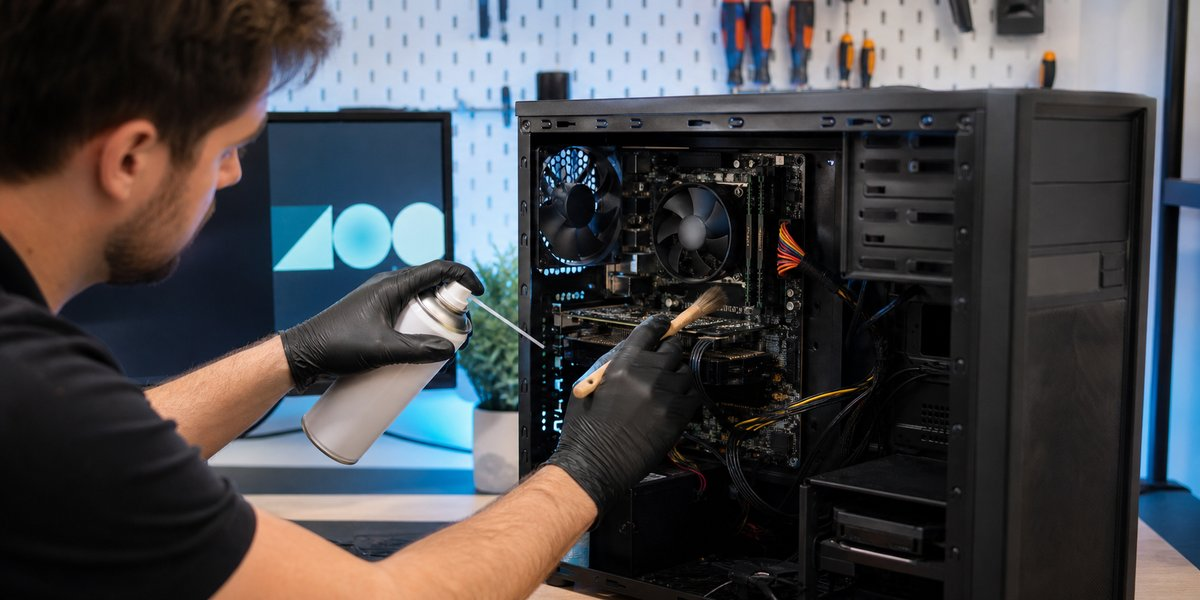
Desktop computers and heavily used laptops benefit from periodic inspection and safe cleaning. Spraying air carelessly into a computer can damage fans or push debris farther inside, so cleaning should be done with the computer powered down and handled correctly.
Drive Health and Backups Matter
Storage drives can fail even when a computer seems normal. Maintenance can reveal warning signs, but a health check is never a replacement for a backup. Important files should exist in more than one place.
If a drive begins showing errors, freezing, or unusual noises, stop depending on it and get help quickly. The earlier the problem is recognized, the better the chance of avoiding a stressful data-loss situation.
Security Checks Reduce Unwanted Surprises
Browser extensions, startup programs, expired security software, and unwanted applications can accumulate over time. Reviewing them can improve performance and reduce pop-ups, redirects, and other suspicious behavior.
Maintenance should also include checking that recovery information and backups are current. These basic preparations can make a major problem much easier to recover from.
A Practical Maintenance Schedule
The right schedule depends on how the computer is used. A small-business computer used every day may need more frequent attention than a home computer used occasionally. Age, dust, pets, heat, and the importance of the files also matter.
Clemtech’s computer care plans provide ongoing help for customers who would rather keep up with maintenance than wait for a crash. If you are unsure what your computer needs, contact Matt for a straightforward recommendation based on the computer and how you use it.
