
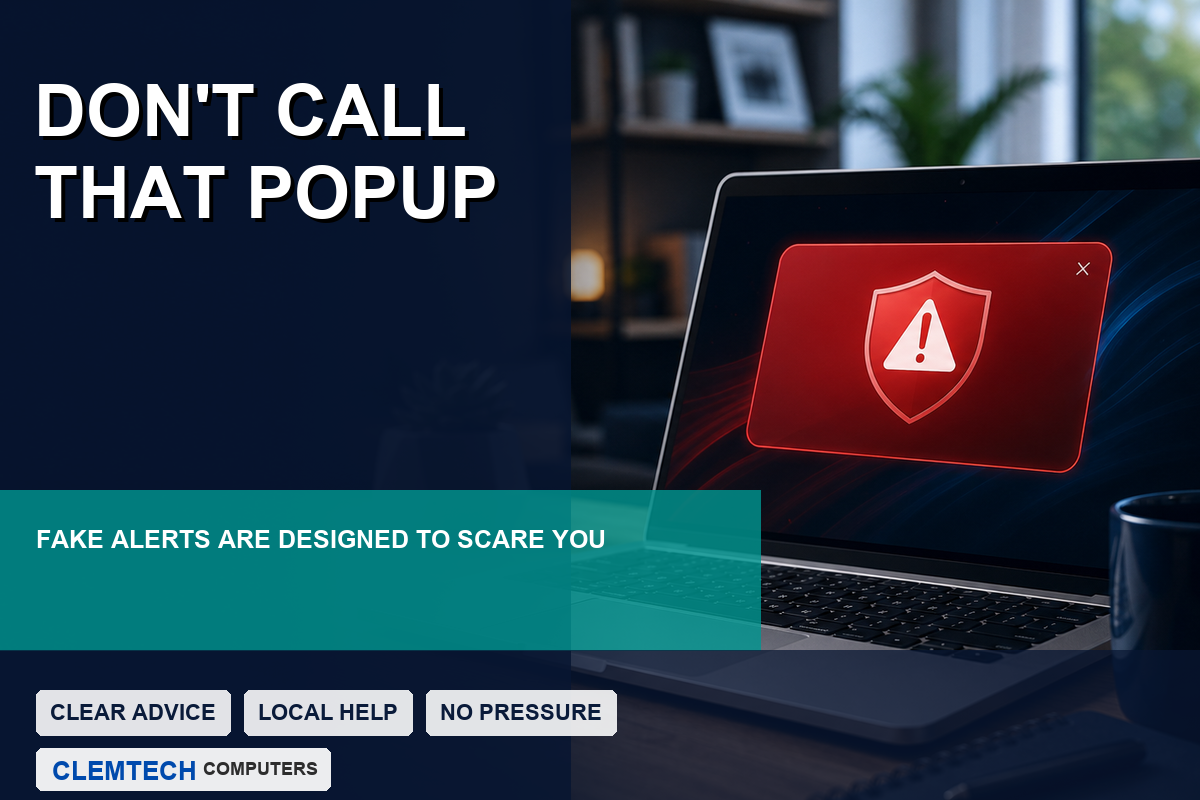
If a popup suddenly fills your screen and says your computer is infected, blocked, or hacked, take a breath. Scammers design these messages to make people panic. The goal is to get you to call the number before you have time to think.
Why the warning looks so convincing
Fake support popups often use familiar words like Microsoft, Windows, security alert, or virus detected. Some play a loud sound or use a computerized voice. The page may refuse to close normally, which makes it feel more serious than it really is.
Do not call the number
Microsoft does not monitor your computer through a browser popup and tell you to call a random phone number. If you call, the person on the other end may try to convince you to install remote access software, pay for fake repairs, or share personal information.
What to do instead
- Do not call the number on the screen.
- Do not click buttons inside the popup.
- Try closing the browser.
- If it will not close, restart the computer.
- Run a trusted security scan or ask someone you trust to check it.
If you already called
If you allowed remote access, entered passwords, or paid money, act quickly. Disconnect from the internet if you are worried, contact your bank or card company if payment was involved, and have the computer checked for remote access tools or malware.
Unsure if a popup was real? Clemtech Computers can help with virus and malware removal and safe cleanup after suspicious popups or scams.
