
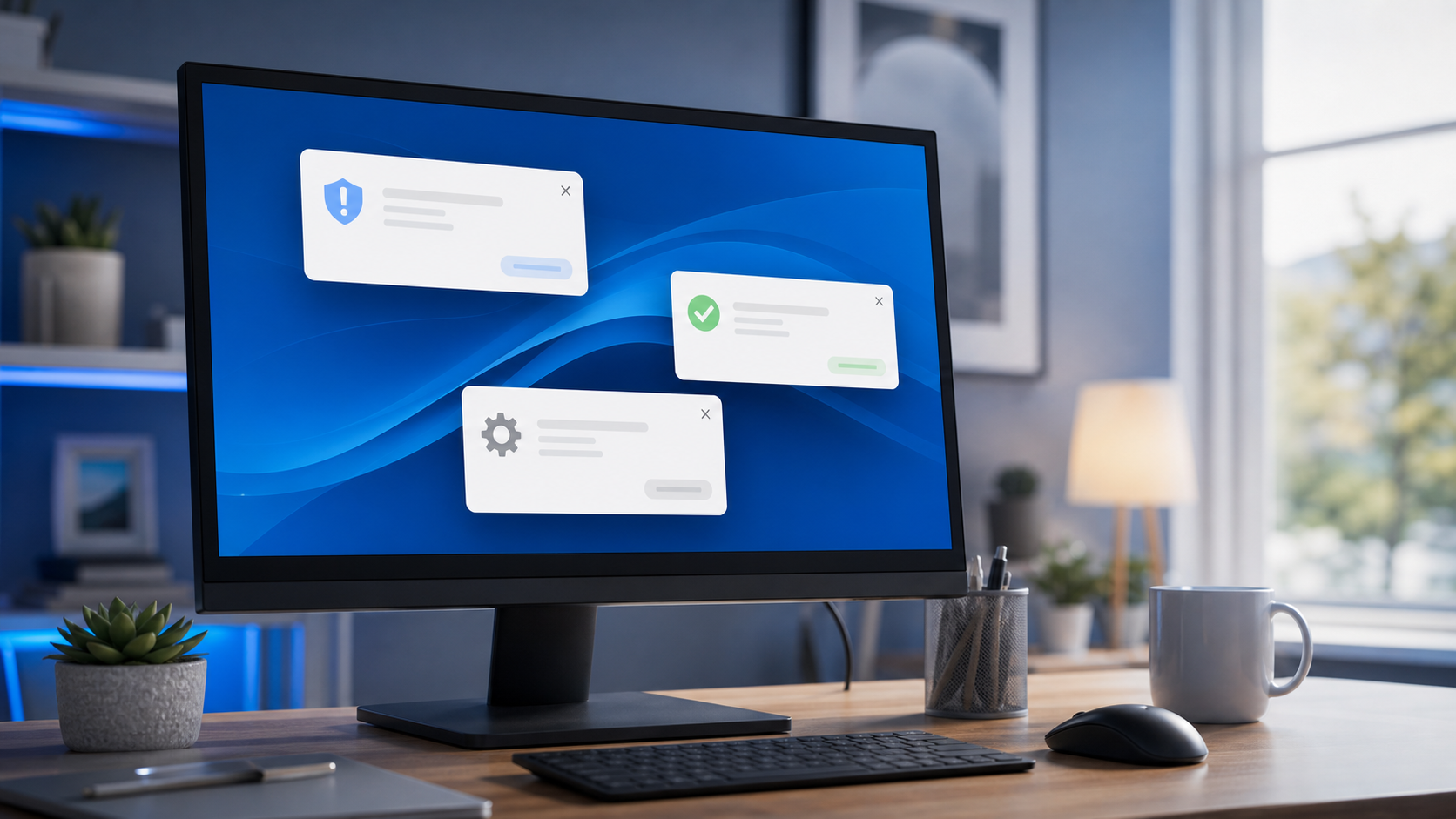
Pop-up notifications can be harmless, but they can also be one of the first signs that something is wrong with your computer.
Some pop-ups come from normal programs, websites, email apps, cloud storage tools, or antivirus software. Others are designed to scare you, trick you into clicking, or get you to call a fake support number.
What normal pop-ups usually look like
Normal notifications are usually tied to a program you recognize. You may see messages about Windows updates, printer status, email alerts, calendar reminders, or antivirus scans.
These are usually brief, clear, and not written in a panicked tone.
What suspicious pop-ups often look like
Suspicious pop-ups tend to sound urgent. They may claim your computer is infected, locked, hacked, or damaged. Some will say you need to call support immediately. Others may tell you not to shut down your computer.
That kind of language is a red flag.
What to do if you see one
If a pop-up looks suspicious, do not click it right away. Do not call the phone number shown on the screen. Close the browser if possible. If the message will not go away, restart the computer and run a malware or security check.
If the pop-ups keep returning, it is a good idea to have the system checked before the problem gets worse.
When to get help
If you are getting constant alerts, strange browser pop-ups, or notifications that do not seem connected to anything you installed, it may be time for a cleanup. That can help remove unwanted software, browser junk, and scam-related pop-ups before they cause bigger problems.
At Clemtech Computers, I help homeowners and small businesses in North Alabama sort out computer issues without the confusion or pressure. If something on your screen does not look right, I can help you figure out whether it is harmless or something that needs attention.
Need help with strange pop-ups? Learn more about virus and malware removal or contact Clemtech Computers for friendly help in North Alabama.
