
Computer Tips
-
Computer Won’t Connect to Wi-Fi? It May Be the Saved Password
Windows says “Can’t connect to this network”? Sometimes the problem is simpler than it looks. Learn how an outdated saved Wi-Fi password can stop a computer from connecting and what to check next.
-

How to Check Your Windows PC with Microsoft Diagnostic Tools
Windows includes several useful Microsoft diagnostic tools. Learn what each check can reveal, how to run it safely, and when a problem needs professional diagnosis.
-

How to Set Up Automatic Backups and Restore Points in Windows
Automatic file backups and Windows restore points solve different problems. Learn how to configure both and make sure your important files can actually be recovered.
-

What to Do When You Forget a Computer or Online Account Password
Locked out of a Windows computer, email account, or online service? These safe password-recovery steps can help you regain access without creating a bigger security problem.
-
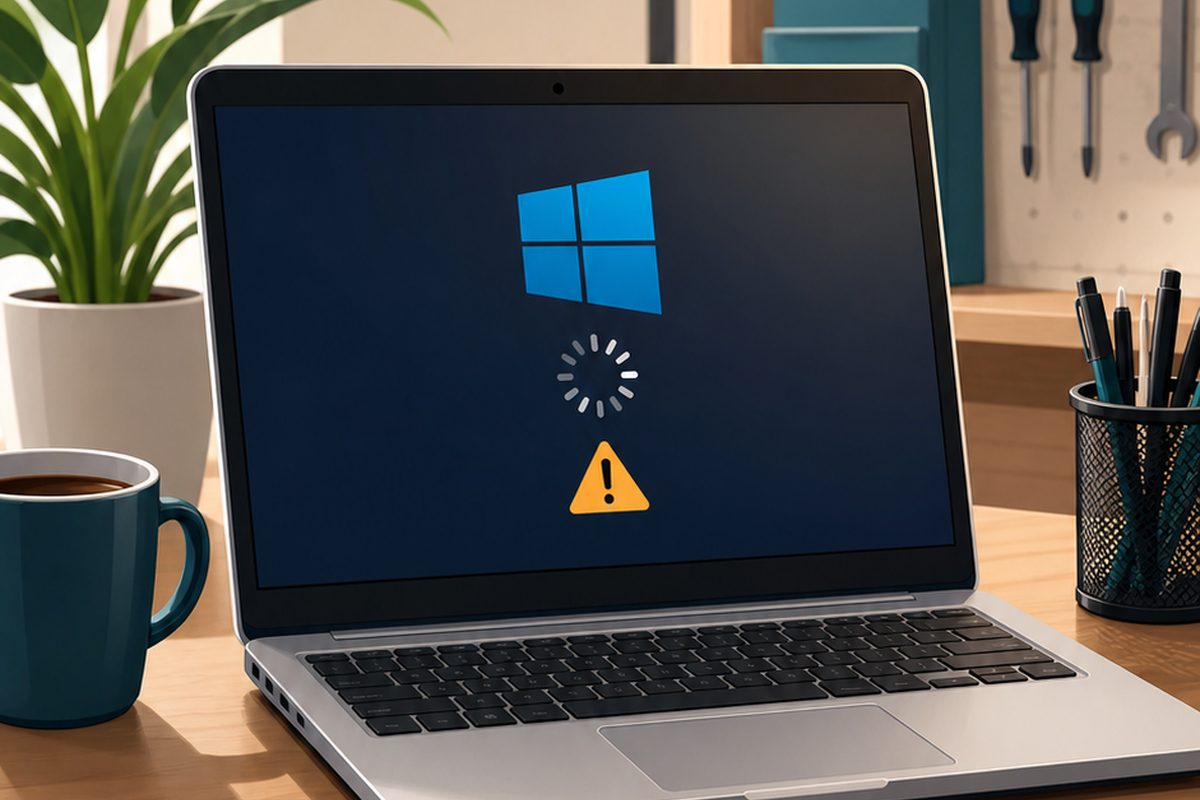
Basic Monthly Computer Maintenance Checklist
A little regular maintenance can help your computer stay faster, safer, and more reliable. You do not have to do everything at once, but checking a few basics each month can prevent bigger problems. Run Windows Updates Updates help fix security issues, improve stability, and keep Windows current. Check Your Backups Make sure important files…
-
How to Tell If Your Computer Has a Virus
Computer infections are not always obvious at first. Some viruses and unwanted programs work quietly in the background, while others make themselves known quickly. Pop-Ups and Browser Redirects Unexpected pop-ups, fake warnings, or websites opening by themselves can be signs of malware. Slow Performance Malware can use system resources and make your computer run slower…
-
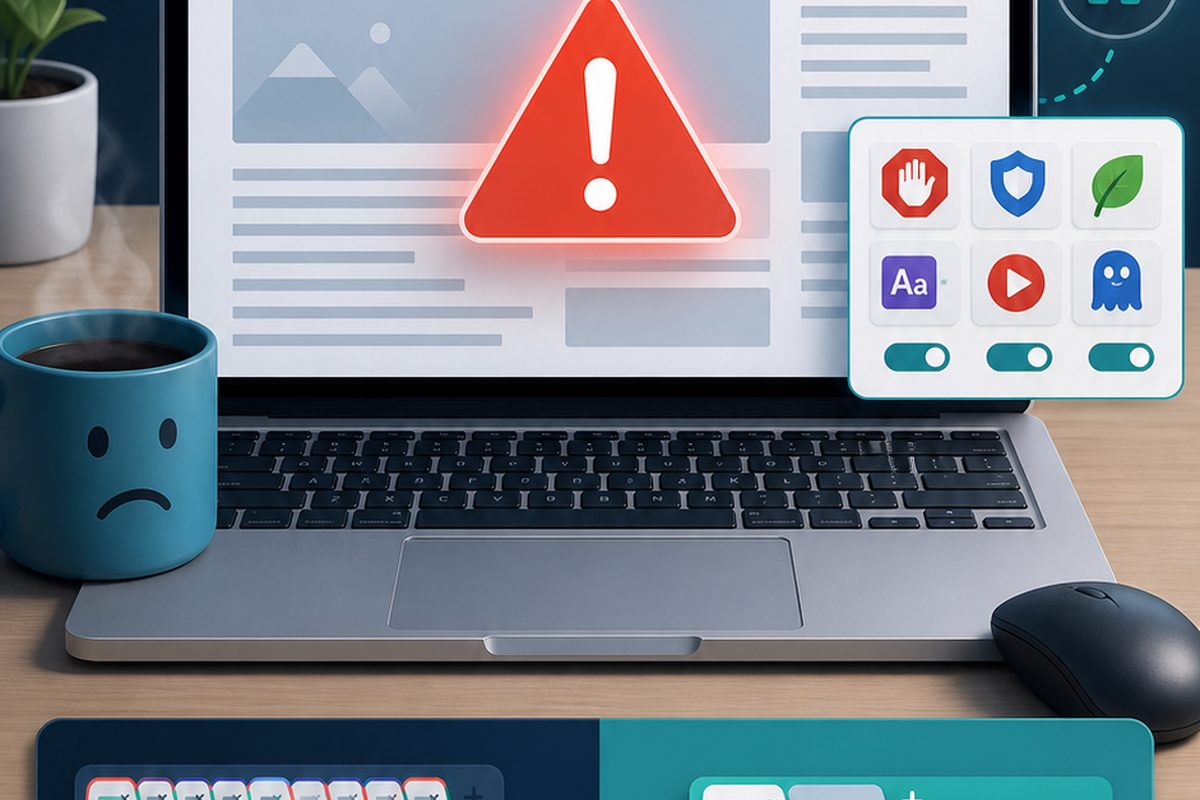
When to Replace a Hard Drive with an SSD
A traditional hard drive can last for years, but it is also one of the most common reasons an older computer feels slow. Replacing it with a solid-state drive, or SSD, can make a major difference. Your Computer Starts Slowly If Windows takes several minutes to start, the drive may be struggling or simply too…
-
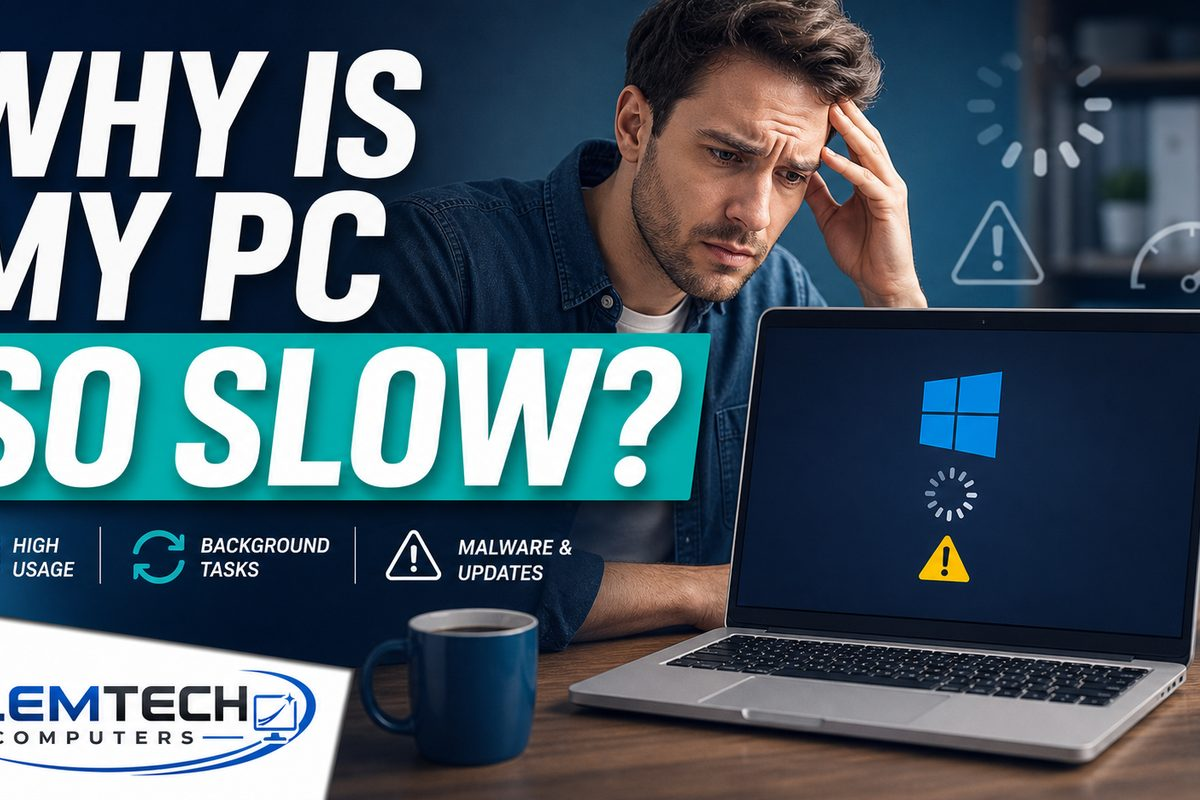
Why Your Computer Is Running Slow
A slow computer can make simple tasks feel frustrating. Sometimes the problem is minor, but it can also point to deeper issues with software, storage, memory, or hardware. Too Many Startup Programs Programs that launch automatically can slow Windows down before you even start working. Low Storage Space When your drive is almost full, Windows…
-
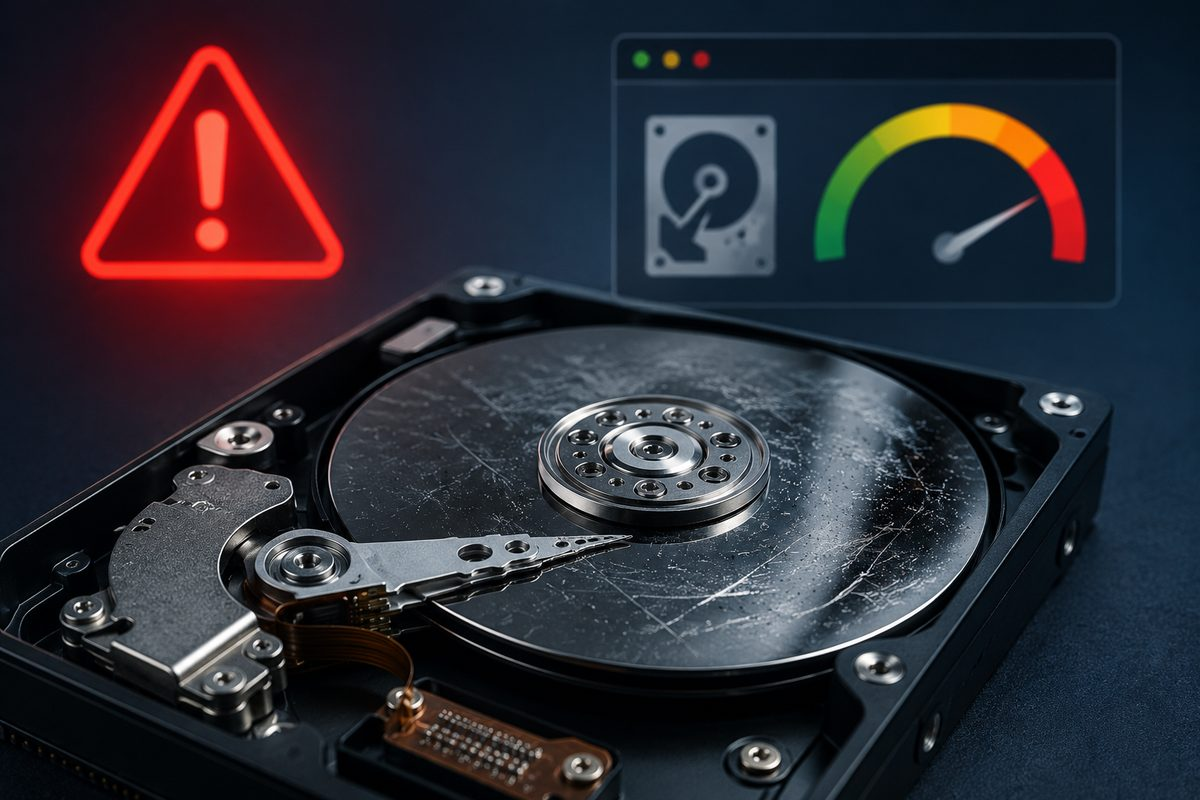
5 Signs Your Hard Drive May Be Failing
Is your computer freezing, clicking, or losing files? Learn five possible warning signs of hard drive trouble and the safest steps to protect important data.
-
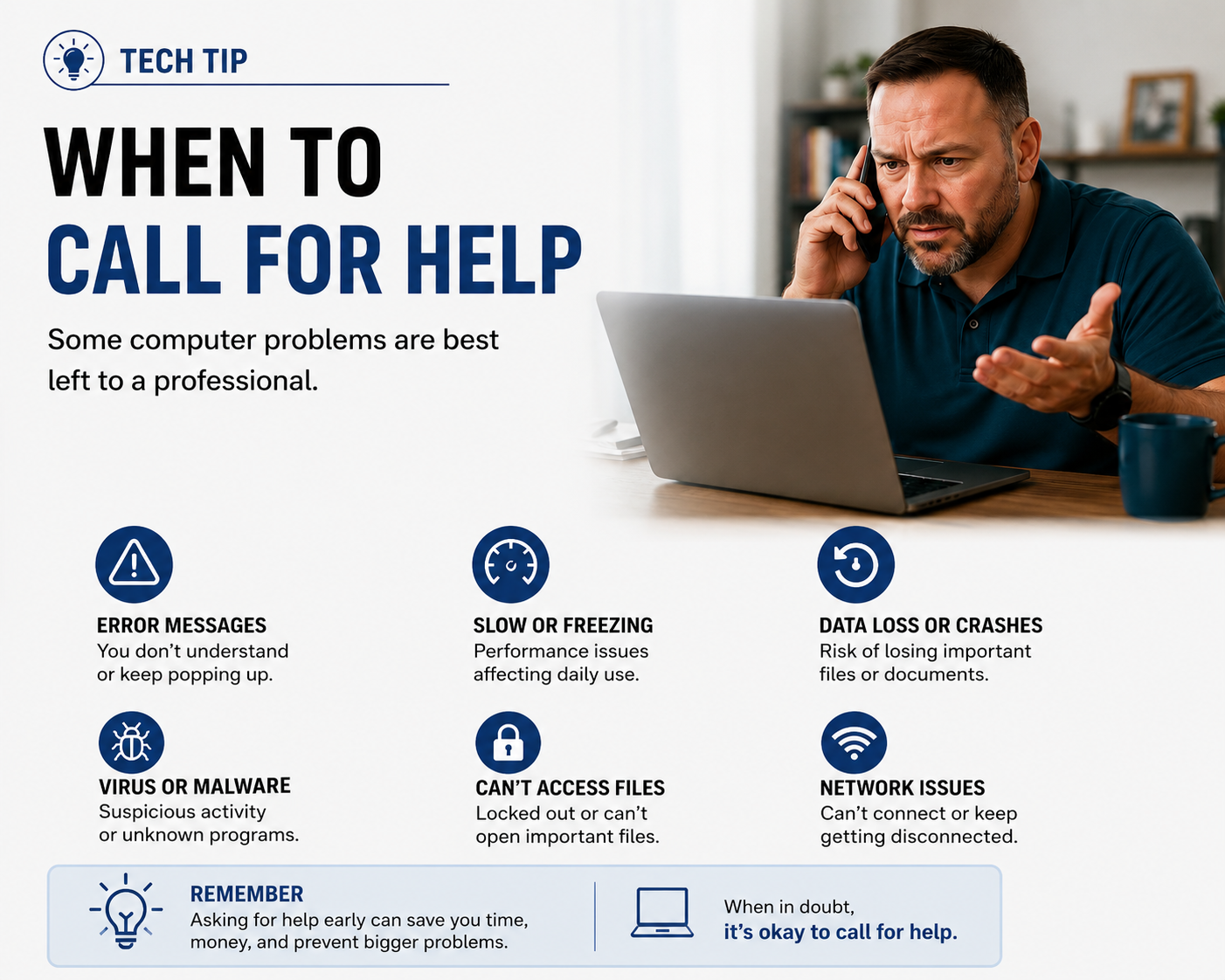
When to Call for Computer Help: 6 Signs You Shouldn’t Ignore
Not every computer problem requires professional help, but some warning signs shouldn’t be ignored. Learn when slow performance, recurring errors, malware, crashes, data loss, and network issues may indicate it’s time to seek assistance before a small problem becomes a bigger one.
