
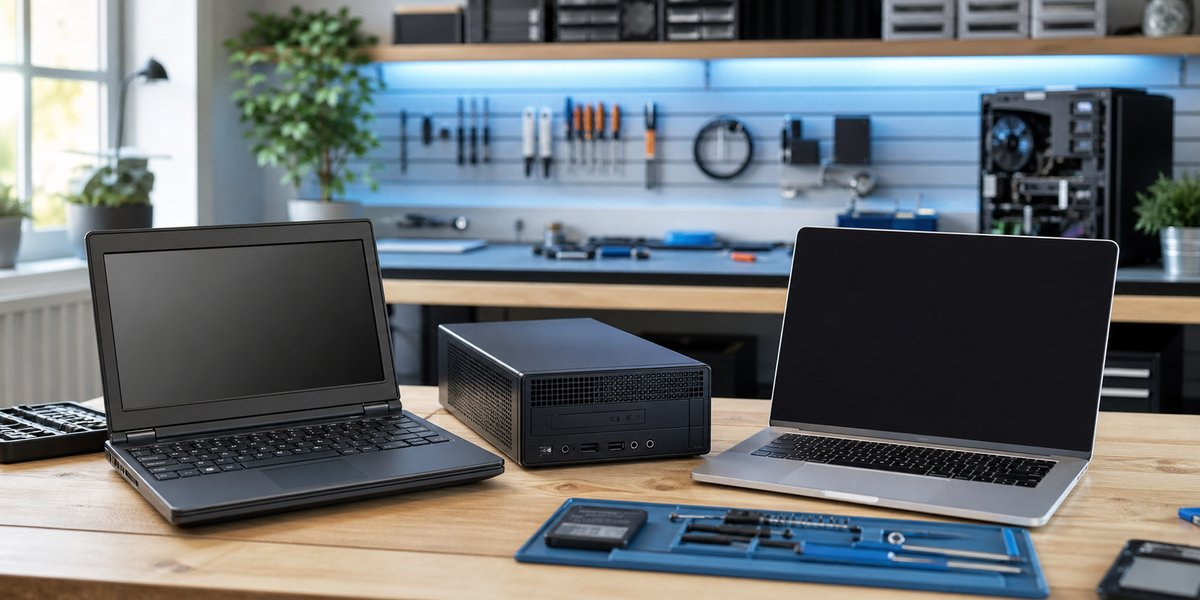
A brand-new computer is not always the best value. A carefully selected refurbished computer can give you solid performance, dependable parts, and years of useful service for less money. The important part is knowing what “refurbished” really means and checking the details before you buy.
I’m Matt with Clemtech Computers. Here are the practical things I look at when someone asks whether a refurbished computer is a smart choice.
What Should Refurbished Mean?
A properly refurbished computer should be inspected, cleaned, tested, and prepared for a new owner. Any failed parts should be replaced, the operating system should be installed correctly, and the seller should clearly explain the condition of the computer.
“Used” and “refurbished” are not automatically the same thing. A used computer may simply be sold as it sits. A refurbished computer should have received meaningful testing and preparation. Always check what the seller actually did instead of trusting the label alone.
When Refurbished Can Be the Better Buy
Refurbished business-class computers are often a strong value. Many were built with sturdier cases, better keyboards, easier service access, and more dependable cooling than inexpensive new consumer models.
A refurbished computer may make sense when:
- You mainly use email, web browsing, documents, video calls, and everyday programs.
- You want a dependable computer without paying for features you will not use.
- The computer supports Windows 11 and still has a reasonable useful life ahead of it.
- It includes an SSD and enough memory for your normal work.
- The seller provides a return period or warranty.
Spending less on the computer can also leave room in the budget for a better monitor, backup drive, printer, or professional setup.
When Buying New Makes More Sense
A new computer is usually the safer choice when you need the longest possible warranty, maximum battery life, specialized graphics performance, or a very specific feature. New may also make more sense for demanding gaming, engineering, video production, or software with strict hardware requirements.
Be careful with refurbished computers that are too old for Windows 11, have worn batteries, use slow mechanical hard drives, or cannot be upgraded. A low price is not a bargain if the computer needs immediate repairs or cannot safely run current software.
What to Check Before You Buy
Before buying, ask about the exact processor, amount of memory, storage type and size, battery condition, Windows version, cosmetic damage, and return policy. Make sure the charger is included and correct for the computer.
For most everyday users, an SSD makes a major difference in responsiveness. If you already own a dependable computer that is simply slow, an SSD upgrade may be a better value than replacing it.
Call Before You Spend the Money
Online listings can make every computer sound like a great deal. A quick conversation before you buy can help you avoid an outdated model, weak specifications, or a machine that does not fit what you actually need.
If you are considering a refurbished or new computer, contact Clemtech Computers with the model or listing. I’ll help you look at the practical details and give you an honest opinion without pressure.
