
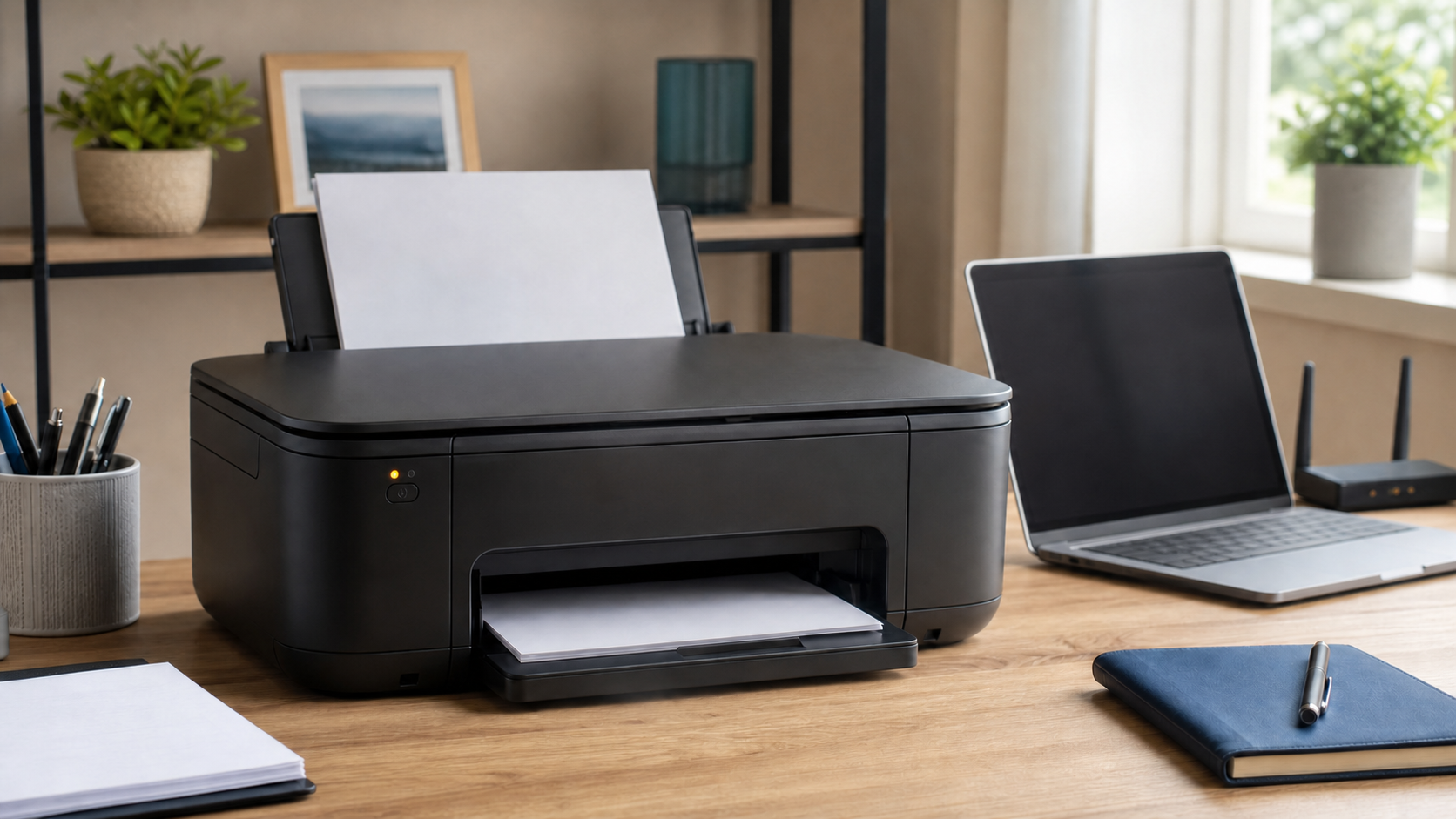
A printer can show as offline even when it is powered on. The message usually means the computer cannot communicate with the printer, not that the printer is permanently broken.
Check the printer itself
Make sure it is on, has paper, and is not displaying a jam, open cover, or ink warning. If it uses a USB cable, reseat the cable at both ends. Avoid connecting through an unpowered hub while troubleshooting.
Confirm the network connection
For a wireless printer, the computer and printer normally need to be on the same home or office network. A router restart, internet outage, password change, or printer reset can disconnect it. If other devices are also dropping off Wi-Fi, review how to make home Wi-Fi more reliable.
Clear a stuck print queue
A failed document can block everything behind it. Open the printer queue in Windows, cancel jobs that will not finish, and restart both the printer and computer. Do not repeatedly click Print; that can create many duplicate jobs once the connection returns.
Check the selected printer
Windows may send the document to an old printer, a duplicate copy, or a virtual PDF printer. Select the correct device and look for an option such as Use Printer Offline that may have been enabled accidentally.
Reinstall only when necessary
Removing and reinstalling a printer can help, but it can also erase working scan settings or create more duplicate entries. Record the current model and connection before making major changes.
If the printer repeatedly goes offline, Clemtech Computers can check the computer, network, driver, and printer connection together. Contact Matt for local home or small-business help.
