
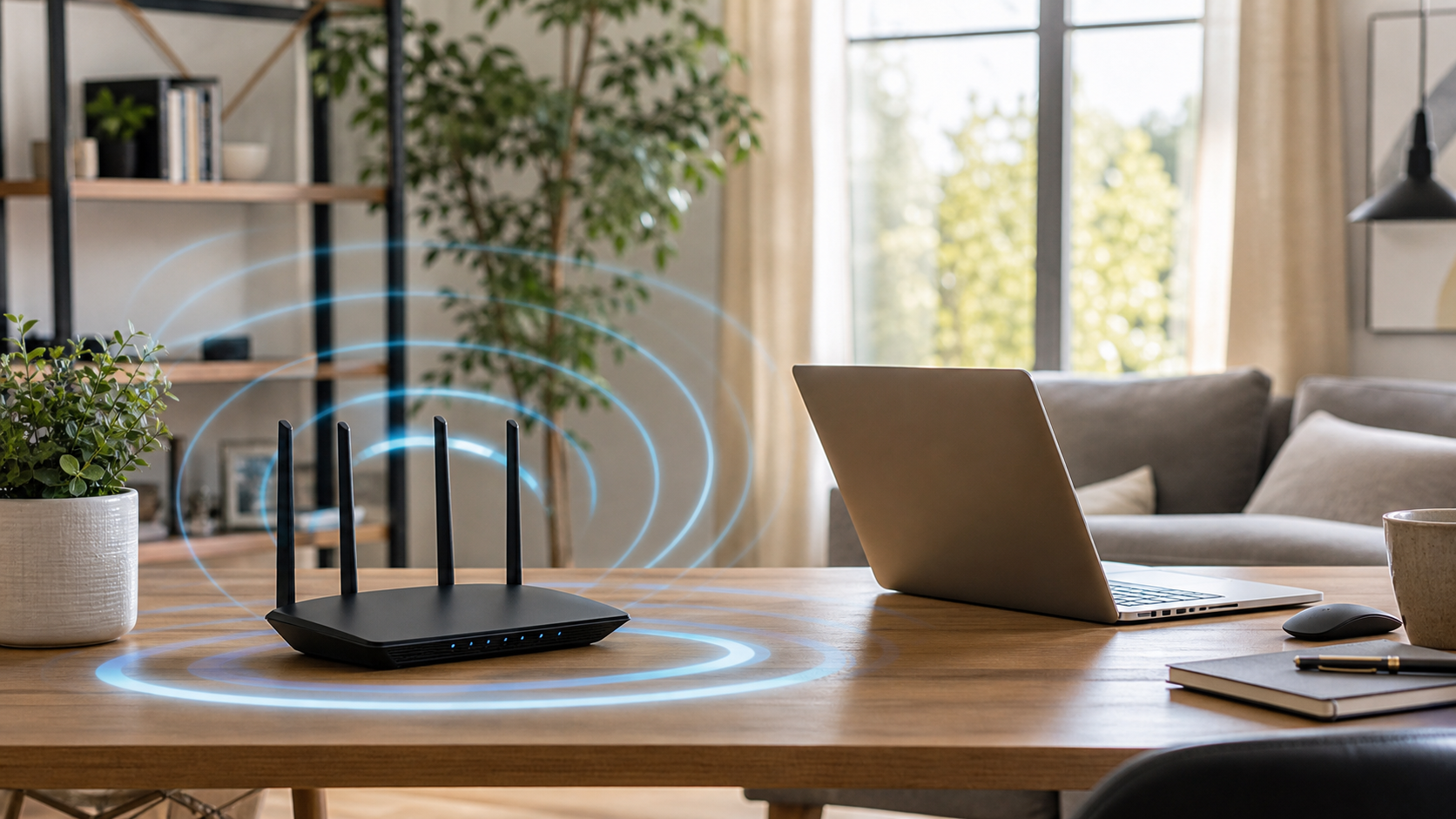
Slow or unreliable Wi-Fi is often caused by router placement, interference, old equipment, or a weak signal reaching part of the home.
Place the router in an open area
Keep it off the floor and away from closed cabinets. A central, elevated location usually gives the signal a better path through the home.
Reduce nearby interference
Metal objects, thick walls, microwaves, cordless devices, and crowded electronics can weaken or disrupt a wireless connection.
Restart and update the router
A restart can clear temporary problems. Router updates may improve stability and security, but settings should be backed up before major changes.
Know when coverage is the problem
If Wi-Fi works well near the router but poorly in distant rooms, you may need a better router location, a mesh system, or a properly placed access point.
Clemtech Computers can help identify whether the trouble is the computer, router, internet service, or wireless coverage. For practical local help, contact Clemtech Computers.
