
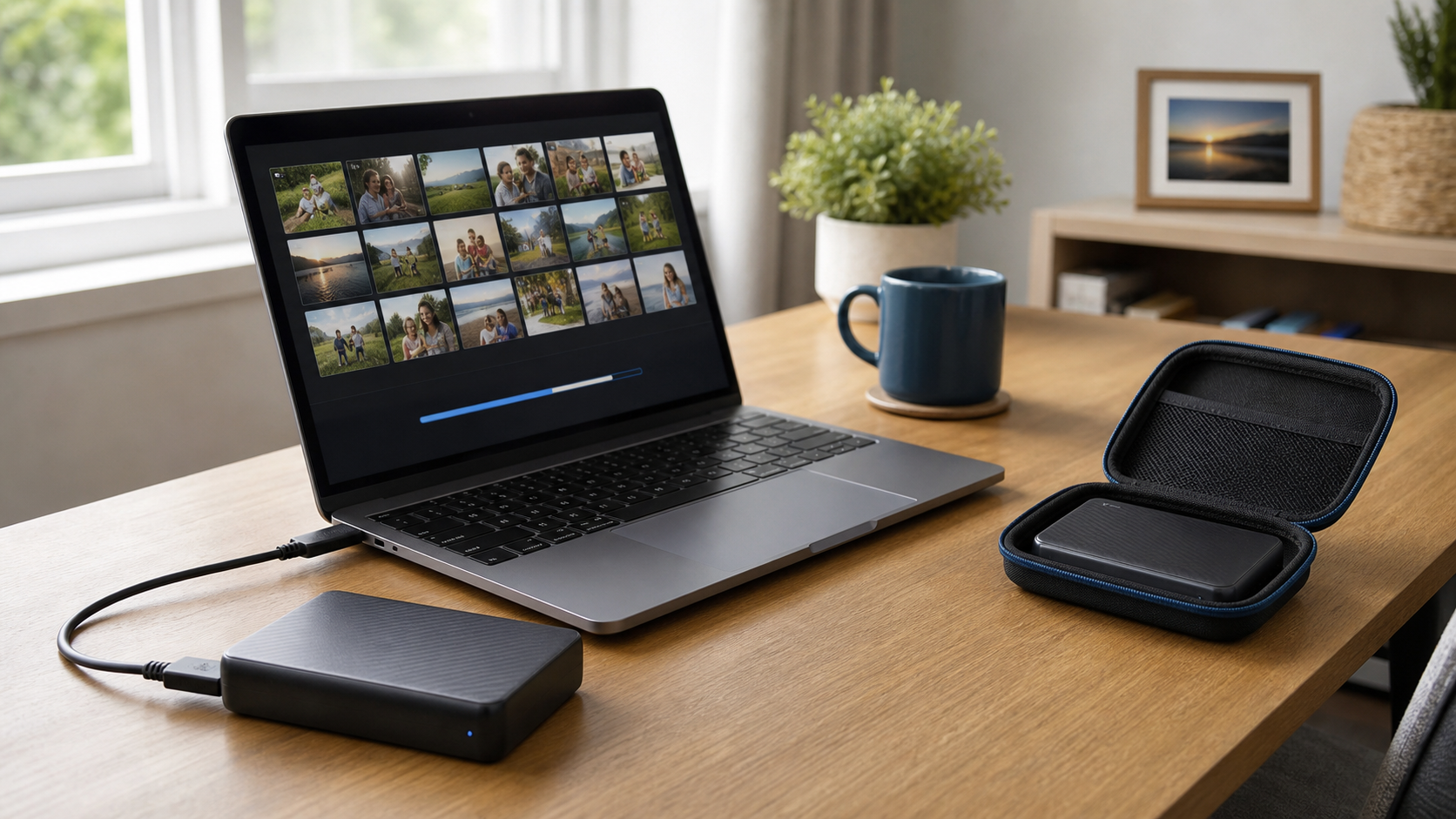
A backup is a second copy of files you would not want to lose. The right schedule depends on how often those files change.
Back up active files frequently
If you work on business documents, bookkeeping, schoolwork, or family photos every day, an automatic daily backup is a good goal.
Use more than one backup
An external drive is useful, but it should not be your only copy. A second drive or a trusted cloud backup protects you if the computer and nearby drive are both damaged or stolen.
Disconnect portable backup drives
After a manual backup finishes, safely disconnect the drive. Leaving it connected all the time can expose the backup to power problems or malicious software.
Test that recovery works
Open a few backed-up files occasionally. A backup is only useful if the files can actually be restored.
If you are unsure what should be backed up, Clemtech Computers can help set up a simple plan that fits your computer and budget. You can also read why backing up important files matters or contact Clemtech Computers.
