
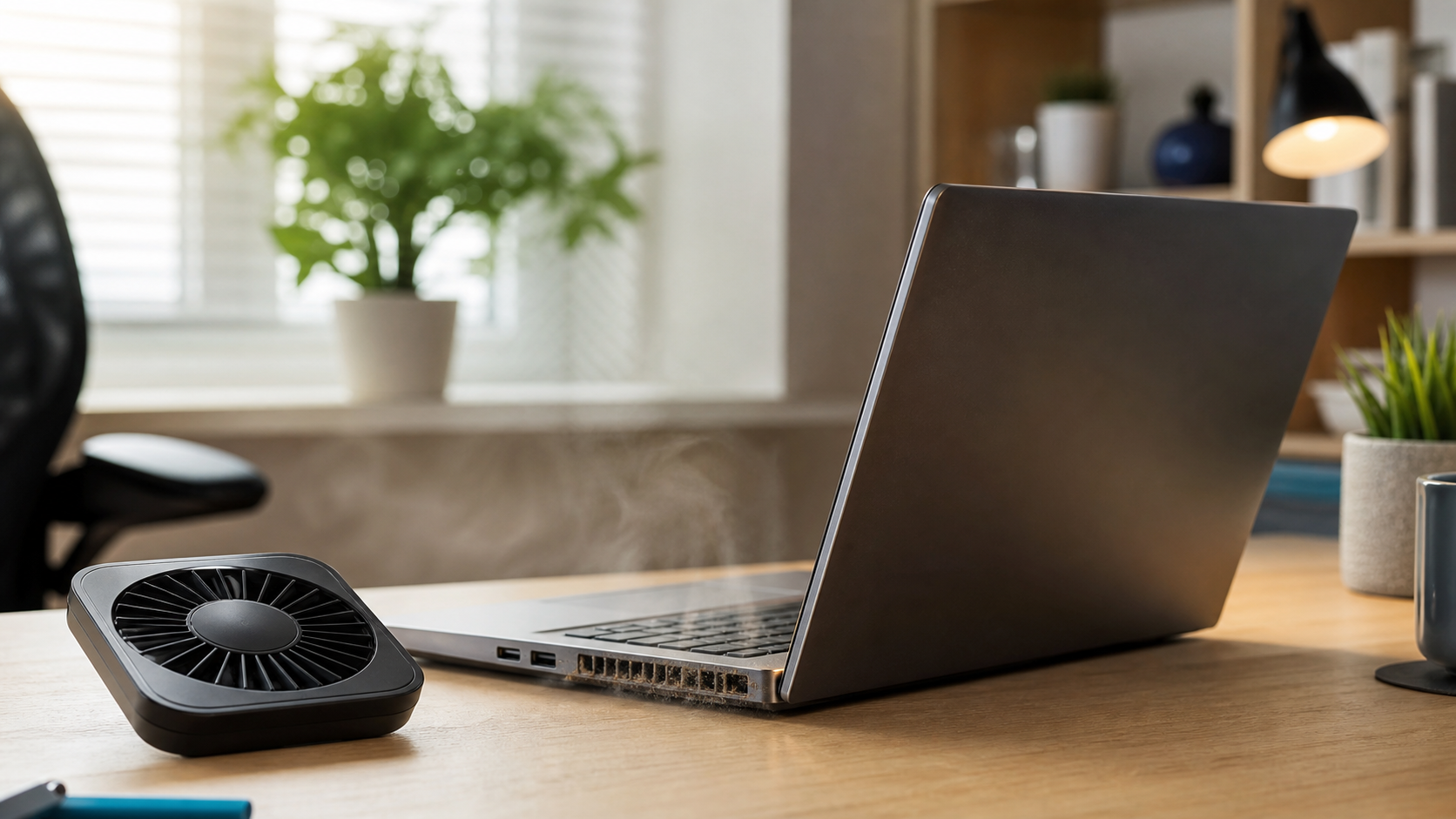
A warm laptop is normal. A laptop that becomes painfully hot, slows down, shuts off, or runs its fan constantly may need attention.
Use it on a hard, flat surface
Beds, couches, blankets, and laps can block the vents underneath a laptop. A desk, table, or lap desk gives air room to move.
Keep the vents clear
Dust builds up around cooling vents and inside the fan. Gently clean the outside vents and avoid forcing debris deeper into the computer.
Close programs you are not using
Video calls, games, browser tabs, updates, and background programs can keep the processor busy. Closing unnecessary programs reduces heat and fan noise.
Watch for warning signs
Unexpected shutdowns, a grinding fan, extreme heat near the keyboard, or repeated performance slowdowns can point to a cooling problem.
At Clemtech Computers, I can check the cooling system, clean internal dust, and make sure the laptop is operating safely. If your laptop keeps overheating, contact Clemtech Computers for local help.
