
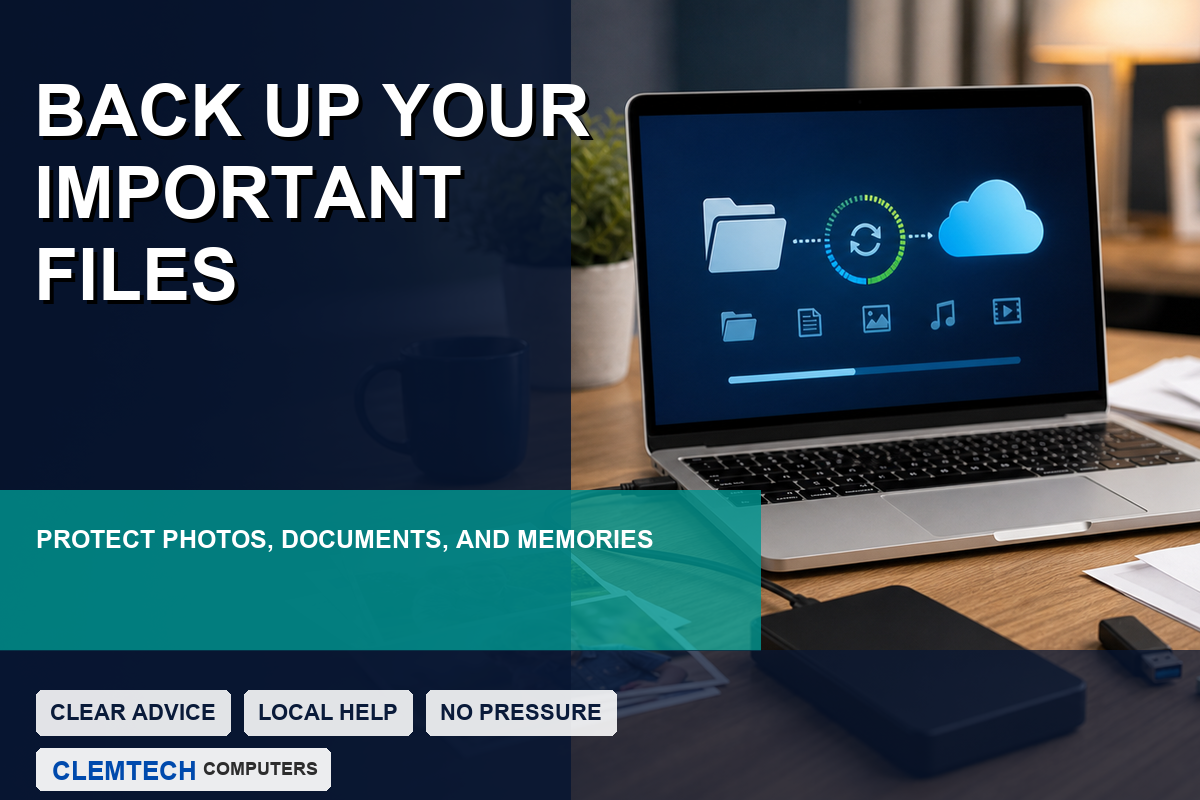
Most people do not think about backups until something goes wrong. A computer may stop starting, a drive may fail, files may be deleted by accident, or malware may damage important documents. When that happens, a good backup can turn a stressful situation into a manageable one.
Drives can fail without warning
Hard drives and solid-state drives are reliable until they are not. Sometimes there are warning signs, such as clicking noises, freezing, missing files, or repeated errors. Other times, the computer simply will not boot one day.
What should be backed up?
- Family photos and videos
- Tax records and financial documents
- Business files and customer documents
- School files, resumes, and personal projects
- Passwords or recovery information stored safely
One copy is not enough
If the only copy of a file is on one computer, it is not truly protected. A better approach is to keep important files in more than one place. That could include an external drive, a trusted cloud backup, or both.
Backups should be checked
A backup is only useful if it actually works. It is wise to occasionally confirm that important files are being copied and can be opened. This is especially important for small businesses and anyone who keeps irreplaceable photos or records on a computer.
Need help protecting your files? Clemtech Computers can help with backup planning, file transfer, and data recovery guidance when files may be at risk.
